
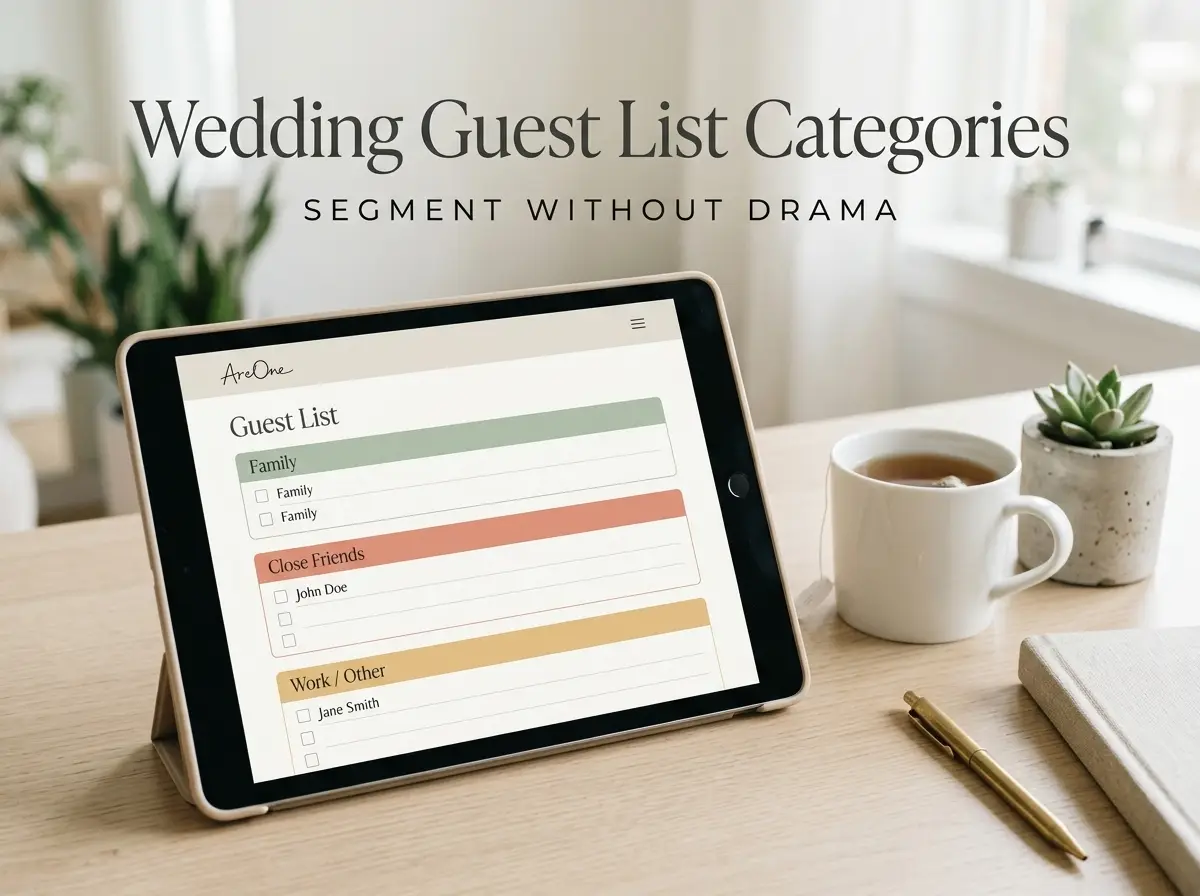
TL;DR: Defining your wedding guest list categories early makes collecting RSVPs, meal choices, and dietary needs simpler for both you and your loved ones.
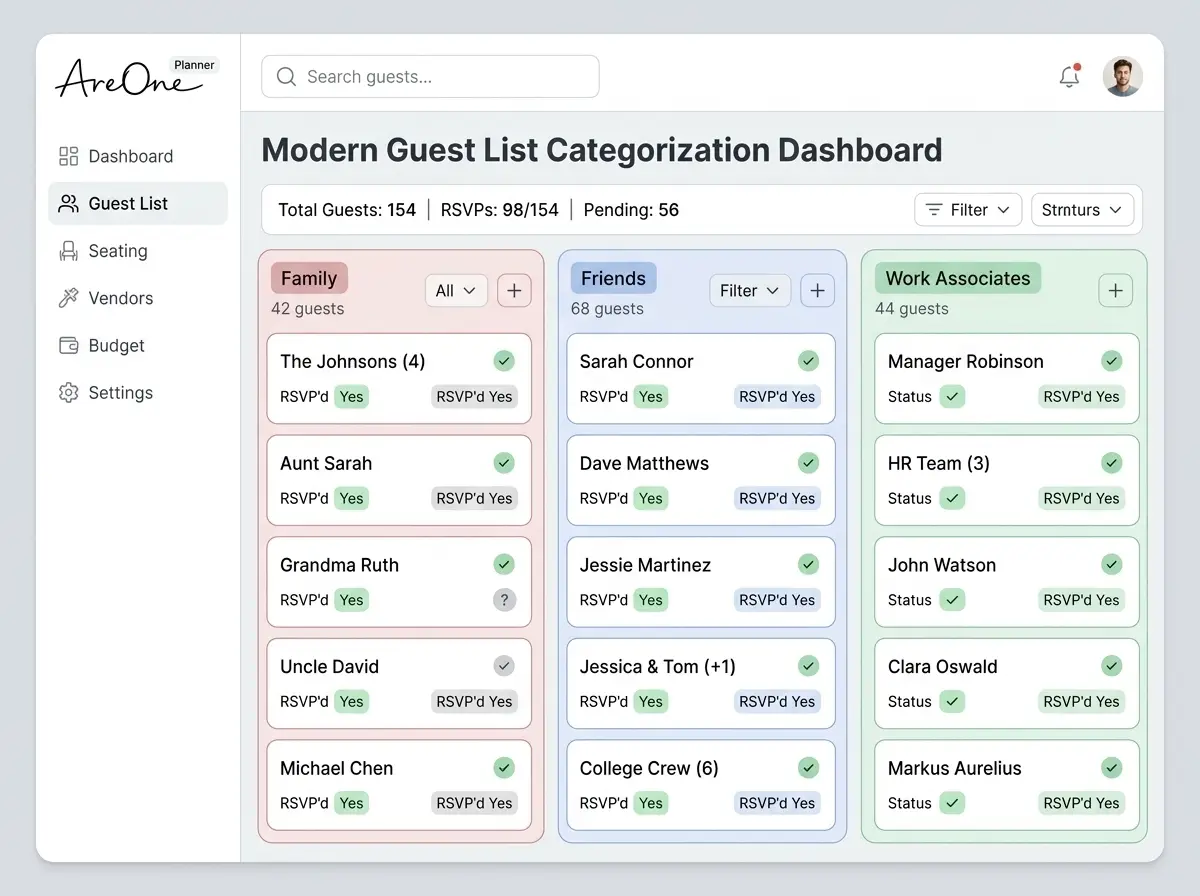
It is no secret that organizing your friends and family for the big day can feel overwhelming. You sit down with a blank screen, trying to figure out exactly who belongs where. Before you know it, you are drowning in complex spreadsheets and endless group chats. Defining your wedding guest list categories right from the very start changes everything. By grouping your loved ones—such as close family, distant relatives, friends, and work colleagues—you gain total clarity on headcounts, seating charts, and budgets.
We know that managing the technical side of your invitations should be the absolute easiest part of your journey. That is why having a structured plan for your contacts is helpful. As you begin assigning people to specific wedding guest list categories, you will find it much simpler to send customized messages. Let us walk through the exact steps, timelines, and wording examples you need to gather your replies and without any unnecessary drama.
What Guests Need to Know (The 3 Must-Haves)
When your loved ones receive their invitation, they immediately look for three specific pieces of information. They want to know exactly when to show up, where to go, and how to respond. If any of these essential details are missing, your phone will inevitably start buzzing with anxious questions.
Keeping the information beautifully simple helps everyone on your list, especially older relatives who appreciate straightforward instructions. You want to make sure your venue address is complete, including any specific parking instructions or gate codes. Next, the time of the ceremony needs to be prominent and distinct from the reception time. Finally, providing a clear call to action for the response is vital to your planning success.
Clear Event Details and Locations
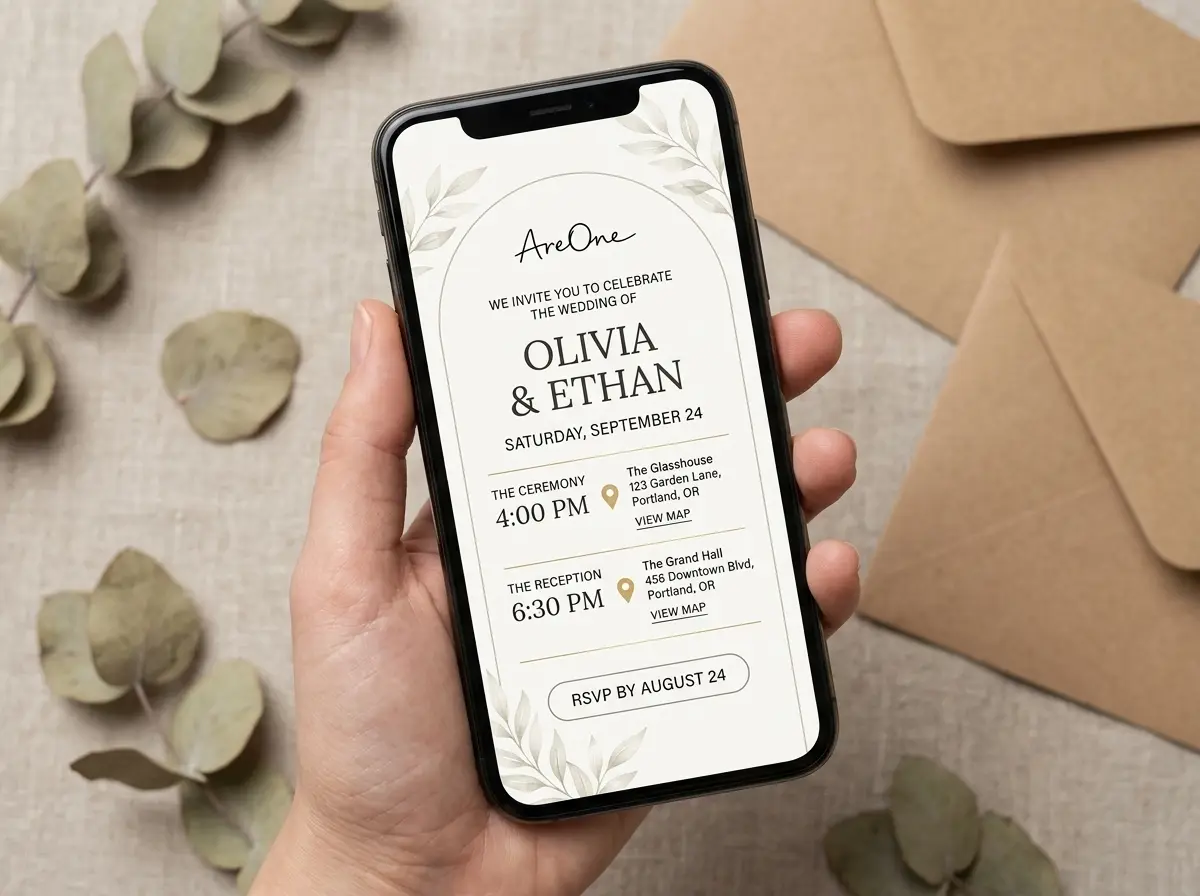
Your invitations must leave no room for guesswork. A great digital invite presents the ceremony time, reception time, and full addresses clearly. When you break down your wedding guest list categories, you might even have different events for different groups. For instance, your immediate family might be invited to an intimate rehearsal dinner, while your work friends are only invited to the main reception.
Customizing the visible events based on these groups is a brilliant way to handle private gatherings seamlessly. Always spell out the full name of the venue and provide a complete street address. We recommend linking directly to a reliable map application. This small, thoughtful touch ensures your guests can tap the address on their smartphones and get instant driving directions.
Providing clear, accurate locations builds confidence and significantly reduces the chances of anyone getting lost or arriving frustrated on the way to celebrate your love. A smooth arrival sets the tone for a beautiful evening.
Dress Code and Accessibility Notes
Guests almost always wonder what they should wear. Addressing the dress code directly saves them from last-minute wardrobe panic and endless text messages to the bridal party. Whether you envision a glamorous black-tie affair or a relaxed backyard celebration, state it plainly on the invite. Phrases like 'black-tie optional' or 'summer cocktail attire' are widely understood and immensely helpful.
If you want more detailed insights on attire rules, Brides offers excellent guidance on standard dress codes. Accessibility is another crucial factor that couples occasionally overlook. If your ceremony takes place on a grassy lawn or a sandy beach, mention it. Your guests will be grateful to know they should avoid wearing thin heels.
if your venue has stairs, elevators, or specific accessible entrances, share this information freely. Older guests will feel cared for when they see you have considered their comfort and mobility needs well ahead of time.
Set Your RSVP Deadline (Best Practice Timeline)
Choosing the precise RSVP deadline is a delicate balancing act. You need enough time to finalize your catering numbers, create your seating chart, and brief your vendor team. On the other hand, you cannot ask guests to commit too far in advance, or their plans might unexpectedly change. The golden rule is to set your RSVP deadline exactly three to four weeks before your actual wedding day.
This timeline sweet spot gives you ample breathing room while remaining reasonable for your loved ones. As highlighted by The Knot timeline guidelines, asking for replies too early often leads to inaccurate headcounts. If you organize your contacts well using a smart digital dashboard, you can track these deadlines effortlessly.
| Action Item | Recommended Timeline | Why It Matters |
|---|---|---|
| Send Save-the-Dates | 6 to 8 months before the wedding | Gives guests ample time to request time off work and book early travel. |
| Send Official Invitations | 8 to 10 weeks before the wedding | Provides enough notice without the invitation getting lost or forgotten. |
| Set the RSVP Deadline | 3 to 4 weeks before the wedding | Allows caterers and vendors to finalize their preparations and orders. |
| Send First Reminder | 1 week before the deadline | Catches guests who simply forgot to click submit on the form. |
Navigating Common Wedding Guest List Mistakes
Before we explore the exact text to use, it is beneficial to look at where couples often stumble. Segmenting your wedding guest list categories helps you avoid these massive pitfalls, but you still need to remain vigilant throughout the planning process.
Skipping the B-List Strategy: Many couples feel terribly guilty about having a backup list. However, grouping your contacts into A-list and B-list wedding guest list categories is practical. If an A-list guest declines early, you can send an invite to someone on your B-list without any awkwardness or stress.
Leaving Plus-Ones Open to Interpretation: A major headache occurs when you are overly vague about who exactly is invited. If you do not explicitly state how many seats are reserved, guests might incorrectly assume they can bring a casual date or their entire family. Being perfectly clear from the beginning saves you from having difficult conversations later.
Forgetting to Track Dietary Needs Early: Waiting until the absolute last minute to ask about food allergies is a recipe for disaster. Your caterer needs this vital information well in advance to prepare safe, delicious meals for everyone in attendance.
Wording Templates (Online RSVP, QR RSVP, Email RSVP)
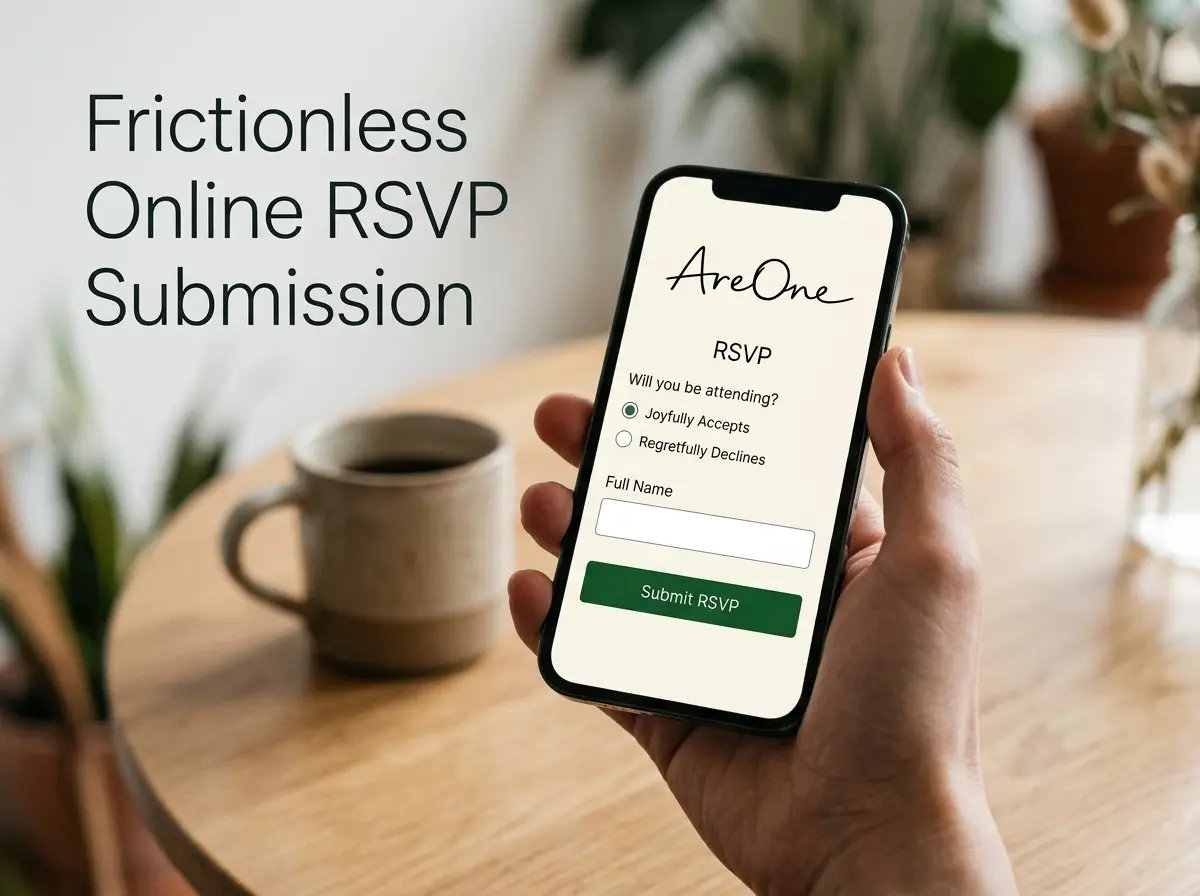
Finding the perfect online RSVP wording can occasionally feel tricky. You want to sound warm, loving, and inviting, yet firm enough to get a prompt reply from your busy guests. Digital platforms give you the incredible flexibility to be creative while remaining functional.
Below, we have carefully gathered our absolute favorite copy-paste examples to suit any personality or wedding style. We recommend keeping the text clean, brief, and large so that guests of all ages can read it on their devices. When your text is clear, you dramatically increase your response rates.
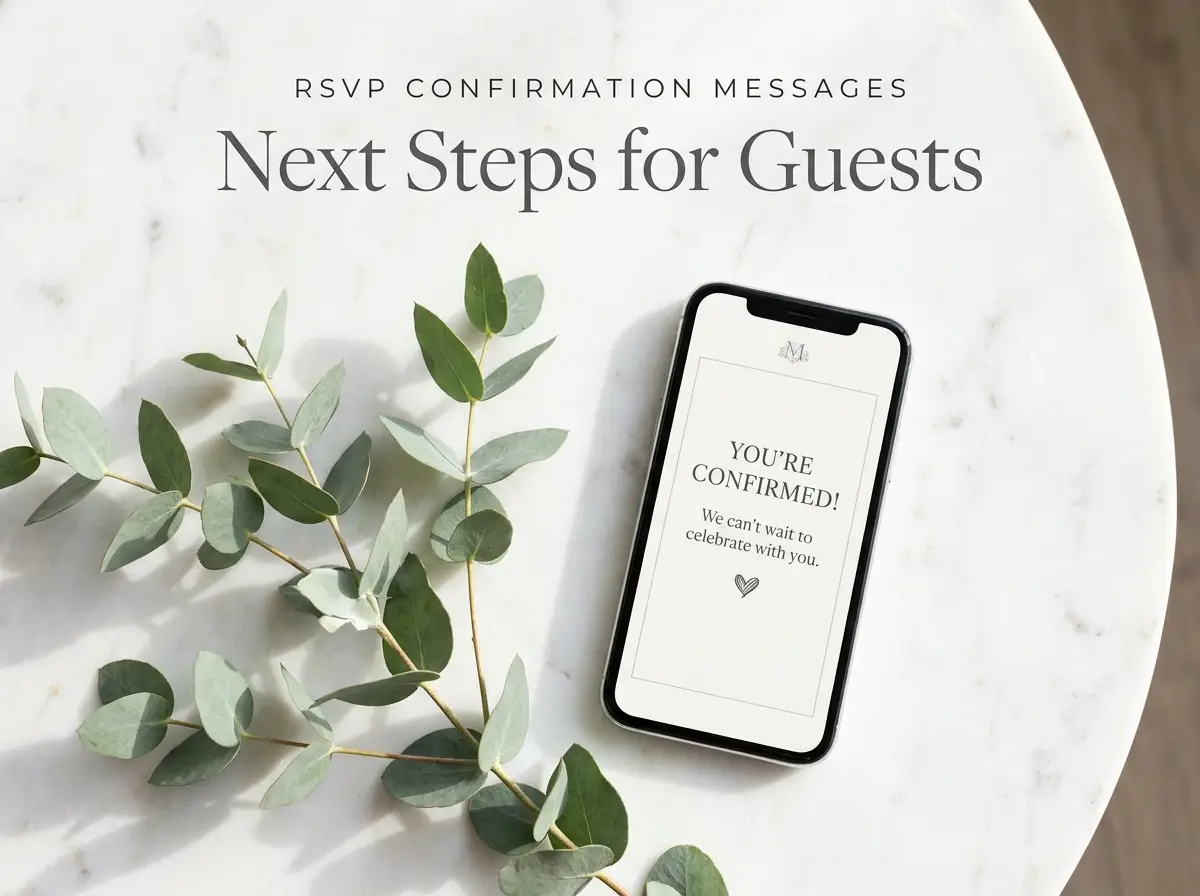
Recommended ReadingRSVP Confirmation Messages: Templates, Timelines & Next Steps →Online RSVP Wording Examples
When guests click through to your digital website, the instructions should guide them naturally and without friction. You can easily choose a formal tone or a delightfully playful one, depending on your unique personality as a couple.
Formal Online RSVP Wording:
'We eagerly anticipate celebrating our joyous union with you. Please favor us with your response by the fifteenth of August. Kindly click the button below to confirm your attendance and smoothly select your preferred evening meal.'
Casual Online RSVP Wording:
'We simply cannot wait to party with you! Please let us know if you will be joining the fun by August 15th. Tap the link below to RSVP and tell us exactly what you want to eat.'
Short and Sweet:
'Will you be there? Kindly RSVP by August 15th via the secure link below. We cannot wait to see you!'
Browse invitation layouts that fit your plan.
Compare layouts for schedules, travel details, guest guidance, and RSVP information before choosing one for your invitation.



These templates work perfectly because they actively highlight the RSVP deadline and provide a clear, unmistakable action for the reader to confidently take.
QR Code and Email RSVP Variations
If you are mailing physical save-the-dates or hybrid paper invitations, QR codes are a fantastic tool. They bridge the gap between traditional paper and modern digital experiences seamlessly. Your email invitations also require a strong, clear subject line and straightforward body text to ensure they are opened promptly.
QR Code Wording:
'To reply instantly, simply open your smartphone camera and scan the specific QR code below. It will safely take you directly to our digital response page. Kindly respond by August 15th to secure your seat.'
Email Invitation Wording:
Subject: You are invited! [Couple's Names] Joyous Wedding
Body: 'Dear [Guest Name], We are thrilled to invite you to our wedding celebration on [Date]. All the essential details for our special day are securely available on our website. Please use the link below to let us know if you can make it. We sincerely hope to see you there!'
Using a premium system like AreOne ensures that your gorgeous email invites bypass spam folders and arrive beautifully formatted. You can explore our modern wedding templates to see how elegant these can look.
Meal Choices + Allergies Collection
Collecting dietary restrictions safely and accurately is just as important as knowing exactly who is attending. When you ask for meal choices, always leave a dedicated text space for guests to type out any severe allergies or intolerances. This guarantees that your catering team is prepared and everyone remains safe.
Meal Choice Copy-Paste Example:
'Please confidently select your preferred entrée for the evening reception:
- Herb-Roasted Chicken with Seasonal Vegetables
- Pan-Seared Salmon with Lemon Butter
- Seasonal Vegetable Risotto (Strictly Vegetarian)
If you have any severe food allergies, gluten intolerances, or specific dietary restrictions, please detail them precisely in the box below so we can accommodate you safely and deliciously.'
By asking directly and warmly, you instantly remove any awkward hesitation a guest might naturally feel about bringing up their specific, private health needs.
Need a faster RSVP flow?
Use AreOne to collect guest replies, meal choices, and reminders in one clean workflow.
Plus-Ones + Kids Rules Explained
Handling uninvited plus-ones and children requires tact. You want to establish firm boundaries without hurting anyone's feelings. This is exactly where your precise online RSVP wording does all the heavy lifting for you.
Adults-Only Wording:
'While we fiercely adore your little ones, our wedding will be an adults-only celebration. We hope this advance notice allows you ample time to secure trusted childcare and enjoy a wonderfully relaxed evening celebrating with us.'
Strict Plus-One Wording:
'We have warmly reserved exactly [Number] seats in your honor. Please kindly let us know who will be attending by selecting their specific names below.'
This clear strategy actively prevents unexpected guests from magically showing up and keeps your catering budget strictly under control. By managing this properly, your entire wedding RSVP strategy becomes significantly less stressful.
Reminder Sequence (1st, 2nd, Final Nudge)
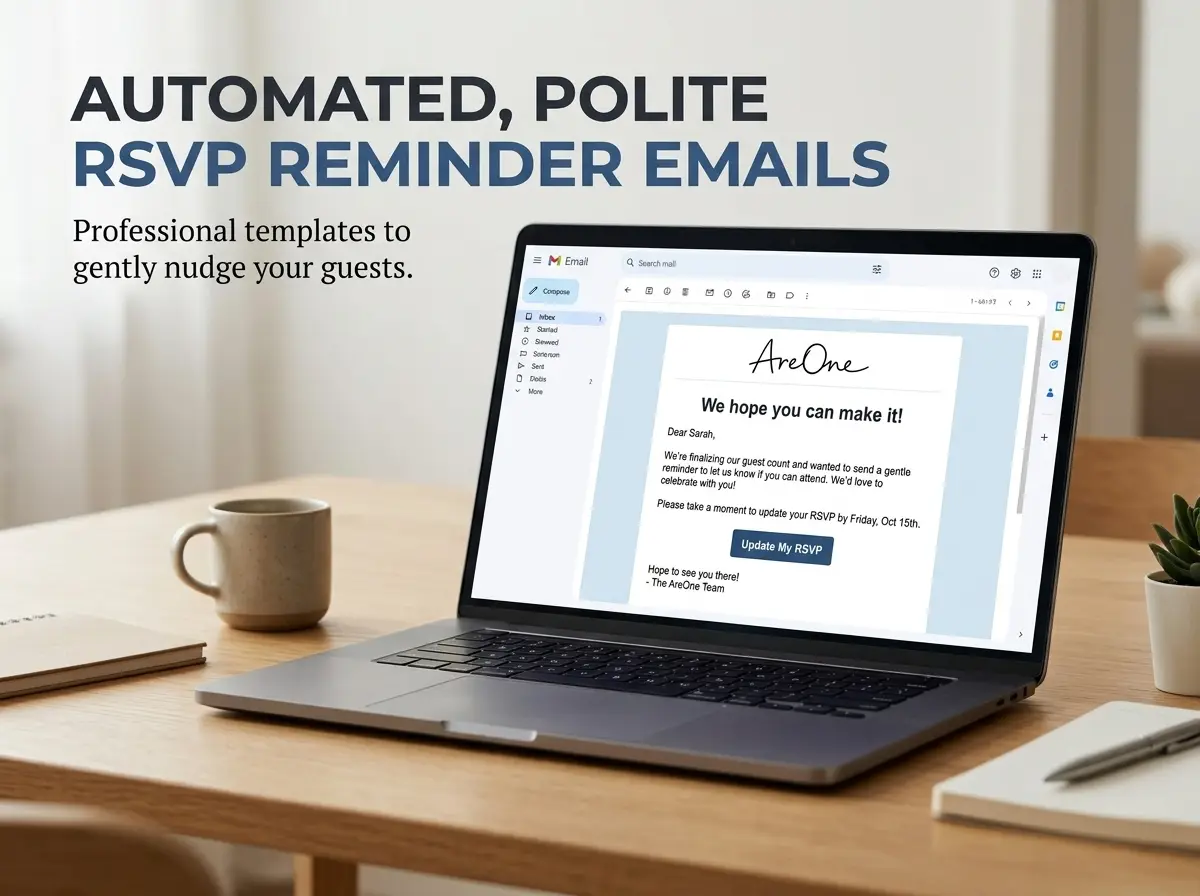
Even with the absolute best intentions, busy people occasionally forget to reply. Life gets hectic, and your beautiful invitation might accidentally slip down their endless to-do list. A structured reminder sequence completely takes the emotion and frustration out of chasing down responses.
Your RSVP reminder wording should escalate slightly in urgency while remaining wonderfully polite, warm, and loving. Having these templates ready saves you hours of anxiety.
The First Nudge (1 Week Before Deadline):
'Hello there! We are excitedly finalizing the beautiful details for our big day and simply wanted to send a quick, friendly reminder. Our RSVP deadline is coming up fast on [Date]. If you haven't already, please click the link below to let us know if you can joyfully join us!'
The Second Nudge (On the Deadline Day):
'Hi everyone! Today is the absolute final day to submit your responses. We need to send our final headcount to the caterer bright and early tomorrow morning. Please let us know your precise plans right away so we can save your seat. We hope to see you!'
The Final Nudge (2 Days Past Deadline):
'Dear [Name], we are so excited for the wedding! As we have not heard back from you, we will sadly have to mark you as declining. If your plans have miraculously changed, please reach out to us directly by tonight. We will miss celebrating with you!'
Troubleshooting Late or Missing Responses
Sometimes, despite your best automated efforts, a handful of guests will completely ignore the deadlines. When this frustrating situation happens, you must bravely rely on direct, personal communication. If a guest from your primary wedding guest list categories has not responded, pick up the phone and give them a quick, friendly call.
Older relatives, in particular, might have quietly struggled with the digital technology or simply assumed you already knew they were eagerly coming. A simple phone call is vastly warmer than a text message and clears up any lingering confusion instantly.
You can say something wonderfully simple like, 'Hi Uncle John, I am just happily checking in to see if you and Aunt Mary will be able to make it to the wedding. I need to give the venue our absolute final numbers today.'
If you cannot reach them by phone after a few sincere attempts, send one final, decisive text message. Let them firmly know that you completely understand they cannot make it and that you will happily celebrate with them another time. Being firm actively protects your fragile budget and prevents paying for empty seats at your lavish reception.
- Define your primary and secondary groups clearly before sending anything.
- Set a firm RSVP deadline exactly three to four weeks prior to the event.
- Draft your online reply text using wonderfully short, highly readable sentences.
- Include a mandatory section for meal preferences and severe food allergies.
- Write polite but very firm rules regarding young children and uninvited plus-ones.
- Prepare your automated reminder sequence messages well in advance of the due dates.
- Call any remaining non-responders directly before giving final numbers to the caterer.
Mastering Your Wedding Guest List Categories (Once and For All)
Getting married is a magical milestone, and figuring out the complex logistics should never feel like an uninvited burden. By intentionally utilizing clear wedding guest list categories early on, you actively create a beautifully seamless flow of communication. You get to say a joyful 'I do' to smart, elegant organization and a firm 'I don't' to last-minute headcount panic and financial stress. The right digital tools, combined with crystal clear wording and politely timed reminders, will firmly ensure your cherished friends and relatives arrive with massive smiles and full hearts. Now, simply grab a warm cup of coffee, finalize those digital lists, and joyfully watch the enthusiastic responses roll in!
Frequently Asked Questions
Find quick answers to common questions about this article.

No approved comments yet.