
TL;DR: Online wedding RSVP gets the fastest replies when guests see one link, one clear deadline and a form they can finish in under a minute. Set the deadline from your caterer’s cutoff, ask only what you need, and follow up with a short three-step reminder sequence.
Online wedding RSVP works best when guests see one clear page, one clear deadline and one clear action. This guide shows how to set it up so people respond quickly, with copy-paste wording for every channel and a reminder plan that gets the last stragglers to answer.
Your RSVP page is not just a form. It is the operational center for your guest count, meal choices, allergies, plus-ones and reminder timing. When your wording is specific and your deadline is realistic, your response rate rises fast. With the average couple inviting well over a hundred guests (The Knot’s 2025 Real Weddings Study puts it at 116), chasing paper cards by hand quickly becomes a part-time job.
What guests need to know first
Your guests need three must-haves: the date, the location and the RSVP deadline. Add a short line that explains why the deadline matters. For example: “We are finalizing seating and catering, so please reply by June 5.” This small line increases replies because it gives guests a reason, not just a rule.
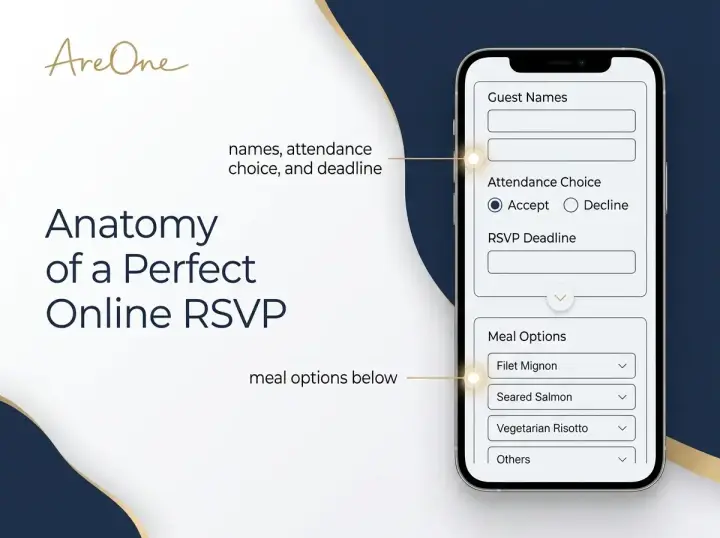
On your RSVP page, keep the first screen simple: names, attendance choice and deadline. Secondary details like dietary preferences can appear below. Less friction means faster completion, especially for older relatives replying on a phone.
How to do online RSVP for a wedding, step by step
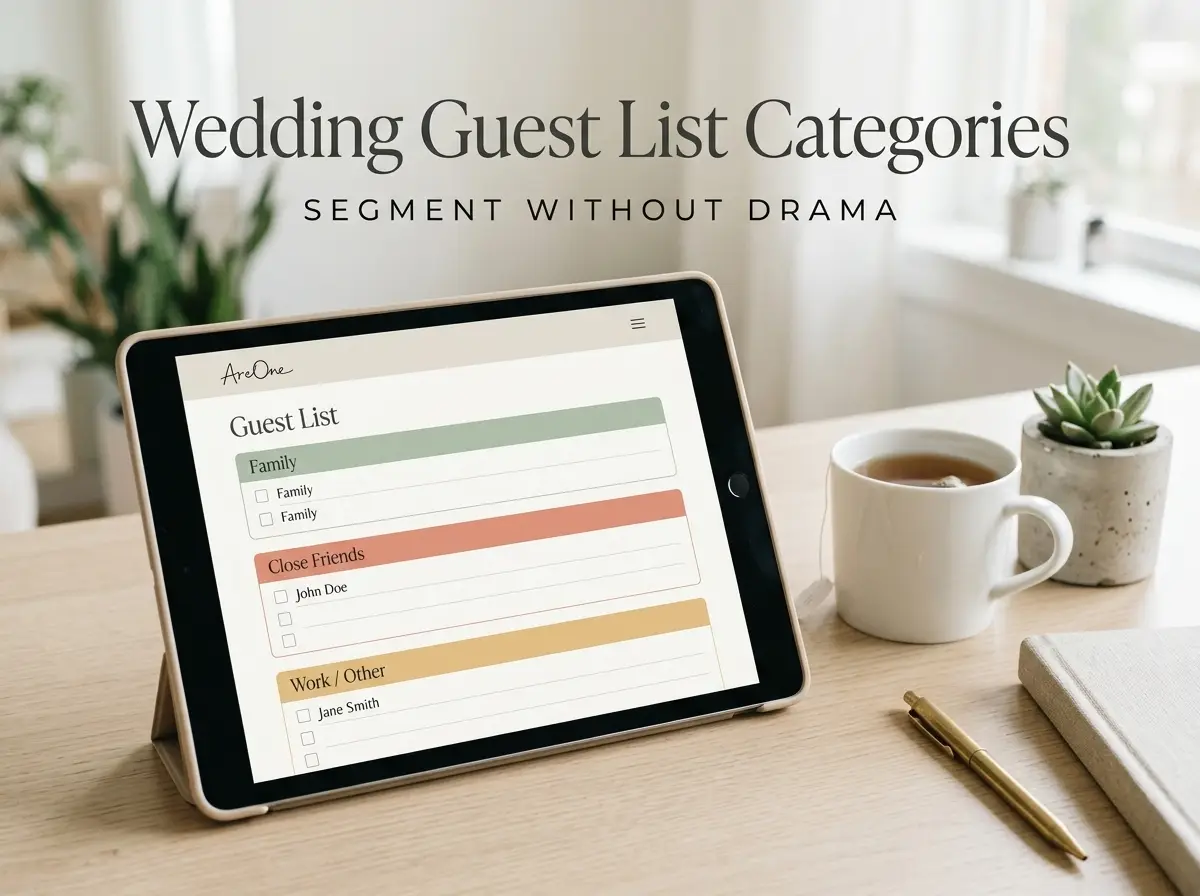
- Clean your guest list first. Group guests into households so each family gets one link and one form, with their party size already set.
- Choose your questions. Attendance, meal choice and allergies cover most weddings. Add a song request or shuttle question only if you will actually use the answer.
- Set the deadline and the cutoff. Put the date on the invitation and on the form itself, so nobody has to scroll back to find it.
- Test on a phone. Submit a reply yourself, then ask one relative who is not tech-savvy to try it.
- Share one link everywhere. The same link works by WhatsApp, text, email or a QR code on a printed card.
With AreOne’s online RSVP, meal choices, dietary notes and party size sit in the same form, replies appear in a live feed, and the form can close automatically on your deadline.
Set your RSVP deadline with a practical timeline
A good RSVP deadline is usually 3 to 5 weeks before the event, depending on destination logistics and vendor cutoffs. Start with your caterer’s final-count deadline and move backward by at least 7 to 10 days, so you have time to follow up with non-responders.
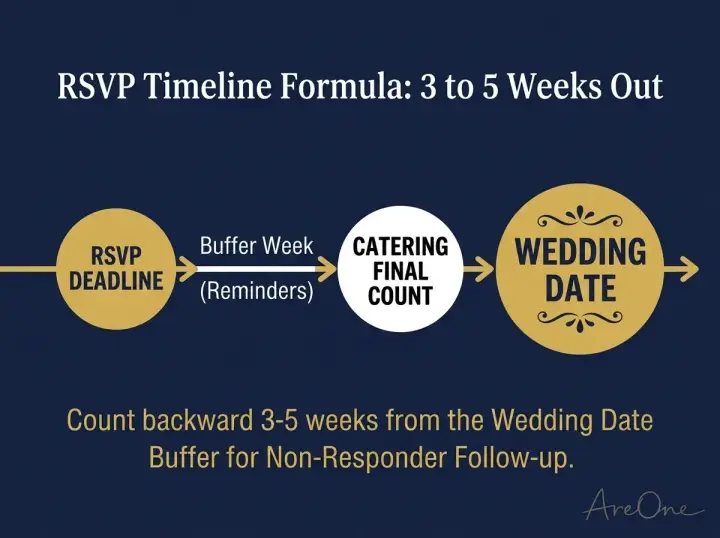
If your event is on September 20 and catering needs a final count by September 1, a smart RSVP deadline is around August 22 to August 25. That gives you one week for reminders and final nudges. For destination weddings, move everything two to three weeks earlier so guests can still book travel.
Wording templates for online RSVP
Recommended ReadingMeal Choice RSVP Wording: Delight Guests & Get Replies Fast →Online RSVP wording
“We would love to celebrate with you. Please submit your online RSVP by August 25.”
“Kindly reply by August 25 using the link below. It takes less than a minute.”
Browse invitation layouts that fit your plan.
Compare layouts for schedules, travel details, guest guidance, and RSVP information before choosing one for your invitation.



QR RSVP wording
“Scan the QR code to RSVP in less than a minute. Deadline: August 25.”
Email RSVP wording
“Please reply with your attendance, plus-one details and meal choice by August 25.”
Meal choices and allergies
Use direct options: “Chicken / Vegetarian / Vegan / Other”. Then add a short free-text field for allergies. This structure keeps data clean for your caterer. For more phrasing, see our guide to collecting dietary restrictions.
Plus-ones and kids policy
State rules explicitly: “This invitation includes X seats.” If children are not included, write it politely and clearly to avoid ambiguity. A pre-set party size on each household’s form prevents surprise guests better than any wording.
Need a faster RSVP flow?
Use AreOne to collect guest replies, meal choices, and reminders in one clean workflow.
Online RSVP examples by tone
Formal: “The favour of a reply is requested by the twenty-fifth of August. Kindly respond using the link enclosed.”
Warm: “We cannot wait to celebrate with you! Let us know if you can make it by August 25, so we can save you a seat.”
Casual: “Tap the link, tell us you are coming, pick your dinner. Done by August 25? You are a legend.”
Bilingual: keep the deadline in both languages and the same date format, so nobody misreads 05/08 as May or August.
Reminder sequence that gets replies
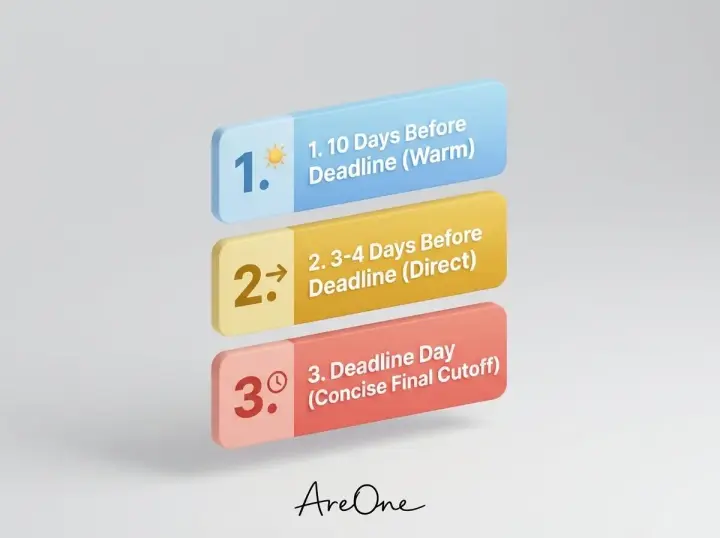
Use a three-step reminder sequence. First reminder: 10 days before the deadline, warm tone. Second reminder: 3 to 4 days before the deadline, direct tone. Final nudge: deadline day, concise tone with a clear cutoff time.
First reminder example: “Just a friendly reminder to RSVP by August 25. Here is the link again, it only takes a minute.”
Final nudge example: “Friendly reminder that RSVP closes tonight at 10 PM so we can finalize seating. Thank you so much.”
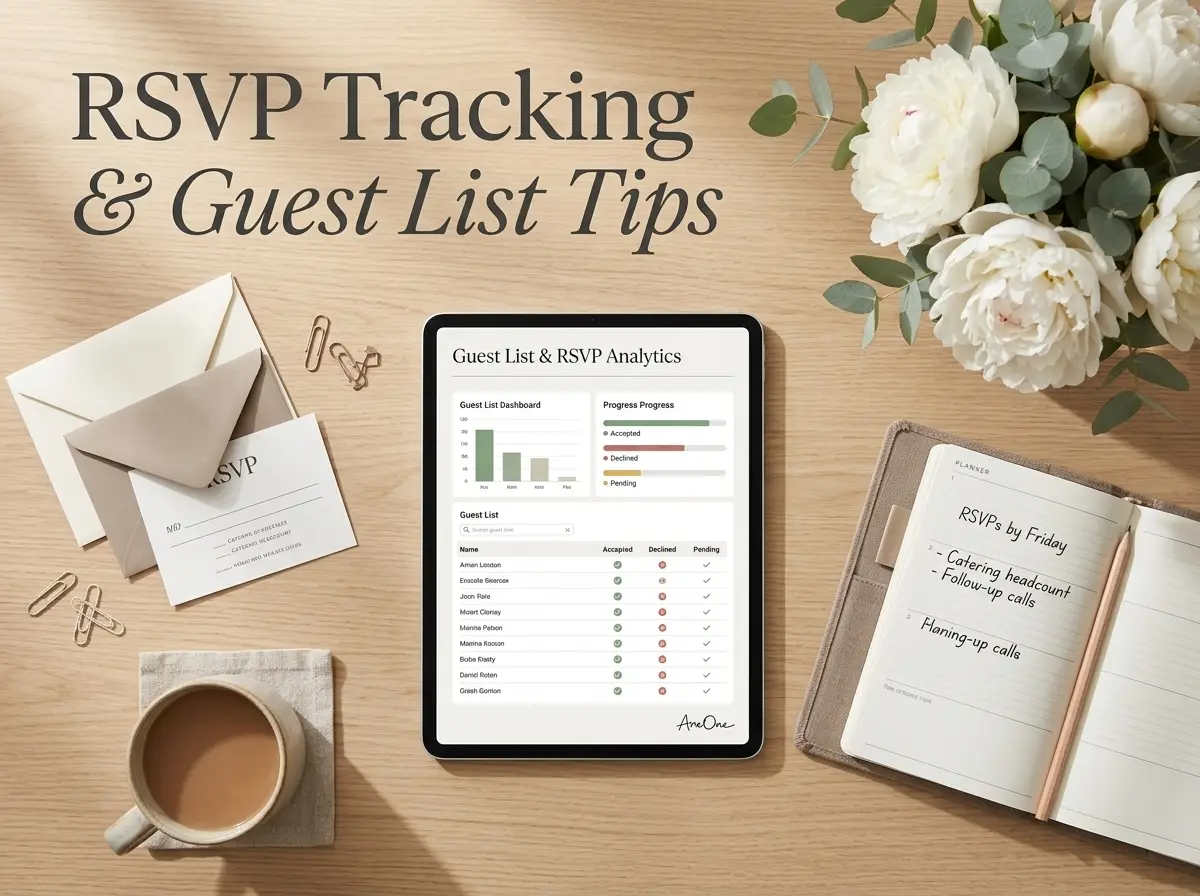
Your guest list shows who is still pending, so each reminder goes only to the people who have not answered. For more scripts, read our guide on when to send RSVP reminders and what to say.
Troubleshooting late or missing responses
Some guests will not respond on time. Create a non-responder list, then contact them with a short yes-or-no message. Avoid long explanations. Ask one question and request one action.
If a grandparent prefers to phone you, record their answer yourself so your counts stay accurate. If you still have no response after your cutoff, set a default decision internally. This protects your planning timeline and vendor commitments.
When guests need to change their answer
Plans change. Tell guests in your wording who to contact if their plans change after they reply, and update their response before your final count goes to the caterer. A short line such as “Plans changed? Just message us before August 25” saves awkward calls later.
RSVP cards vs online wedding RSVP
Paper RSVP cards can work, but they add printing, a stamped return envelope and days of postal delay for every household. Online wedding RSVP is faster, easier to track and simpler to analyze. You see response status in real time, update seating sooner and avoid manual spreadsheet errors.
If some guests truly prefer paper, mix both: print a small batch of cards with a QR code that opens the same online form, so every reply still lands in one list.
Best practices for RSVP pages
- Use a mobile-first layout with large tap targets.
- Show the deadline near the submit button, not only at the top.
- Ask only the fields you will use.
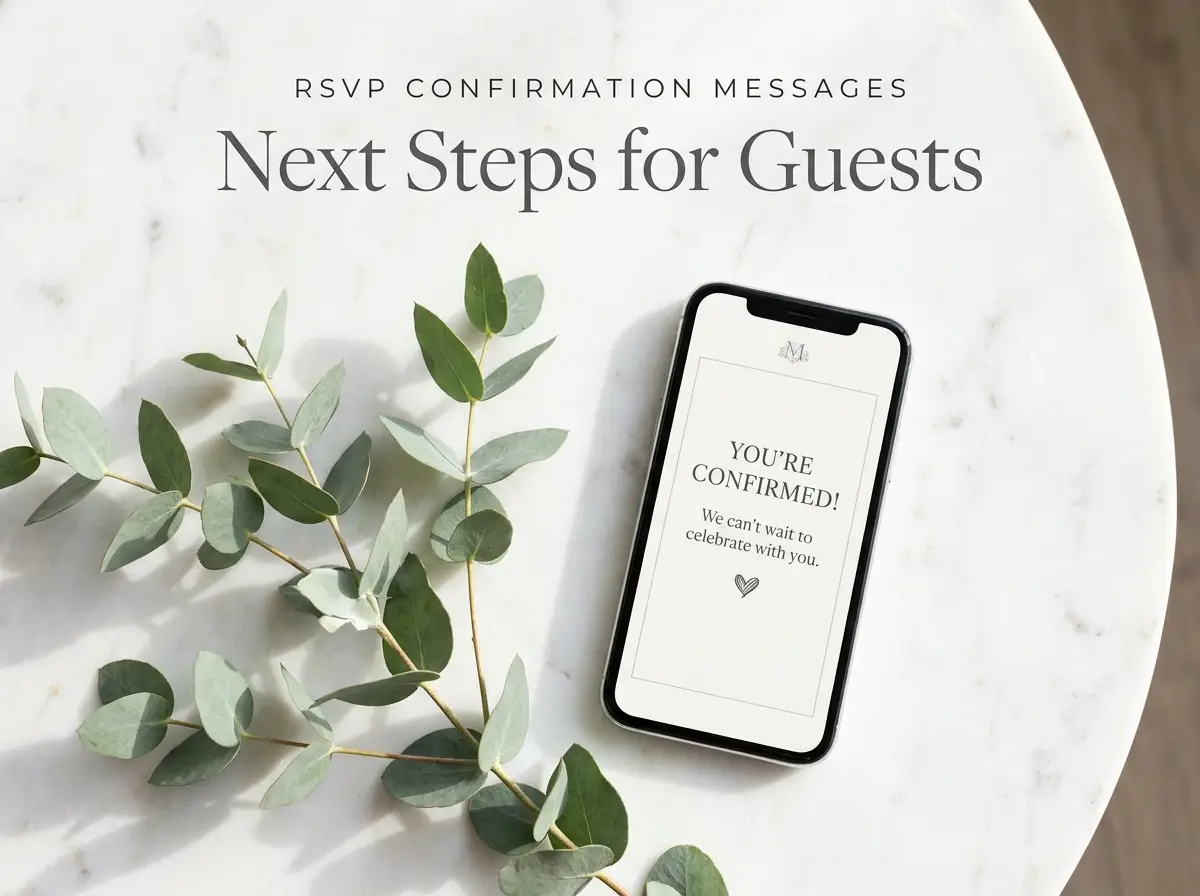
- Show clear confirmation after submitting, so guests know their response was received.
- Keep the same link for updates instead of sending a new one.
Before sending the invitation, test the RSVP page on a phone and confirm that the deadline, meal choices, allergy field, plus-one rules and confirmation message are clear. Then share one link, browse our invitation templates to match the page to your style, and use short reminders for guests who have not replied.
Frequently Asked Questions
Find quick answers to common questions about this article.

No approved comments yet.