
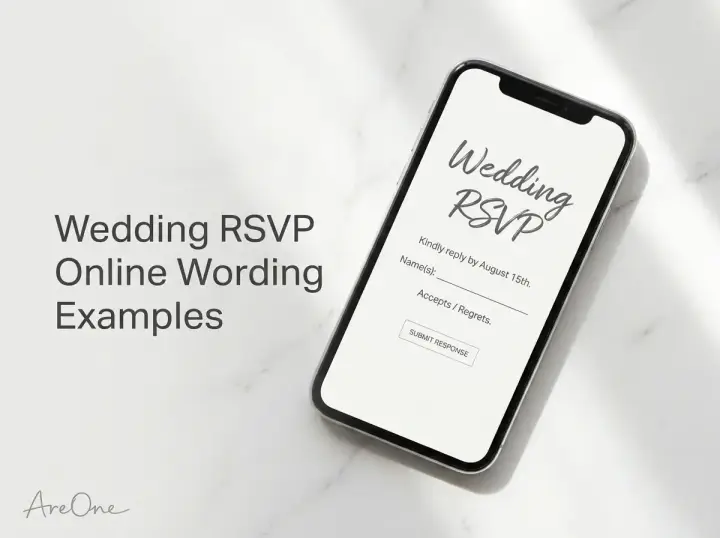
TL;DR: Perfecting your wedding RSVP online wording ensures your guests respond promptly, choose their meals easily, and understand your plus-one rules without any awkward back-and-forth.
Planning a wedding involves juggling a million tiny details, and getting an accurate headcount shouldn't be the most stressful part of the process. Getting your wedding RSVP online wording exactly right is the secret to a smooth, simpler guest management experience. Transitioning from traditional paper reply cards to a digital format saves money, protects the environment, and prevents responses from getting lost in the mail.
However, asking guests of all ages to navigate a website requires clarity, warmth, and straightforward instructions. You want your family and friends to feel excited about your celebration, not confused by the technology. Whether you are aiming for a formal black-tie aesthetic or a casual backyard barbecue vibe, the way you phrase your digital response request sets the tone for your entire event.
We have compiled a comprehensive list of templates, timeline strategies, and etiquette rules to guide you. By the end of this article, you will have all the exact phrases you need to guarantee a packed dance floor and a perfectly organized catering sheet.
What Guests Need to Know (The 3 Must-Haves)
When transitioning your guests from physical mail to a digital platform, clarity is your best friend. Every digital invitation or paper insert card pointing to a website must communicate three essential pieces of information. If you miss even one of these, you risk frustrating your guests and delaying your final headcount.
First, guests need the exact URL or a scannable QR code. Make sure the link is short, memorable, and easy to type into a mobile browser. Avoid complex strings of numbers or letters. If you are printing the link on a physical card, use a clean, legible font. Script fonts are beautiful for your names, but they can make a web address completely unreadable for elderly relatives.
Second, your guests need a firm and visible deadline. Do not bury this date in small print at the bottom of the card. Your online RSVP wording should make the cutoff date the star of the show. We recommend bolding the date or placing it on its own dedicated line to ensure no one misses it.
Third, clarity regarding exactly who is invited is paramount. Digital platforms are fantastic because they allow you to assign specific names to a party. Make sure your instructions clearly tell guests to enter their names exactly as they appear on the envelope. For more foundational advice on this topic, check out our complete guide to online wedding RSVPs.
Set Your RSVP Deadline (Best Practice Timeline)
Determining your RSVP deadline requires working backward from your actual wedding date. The golden rule of wedding planning is to set your final deadline at least three to four weeks before the big day. This gives you ample time to finalize seating charts, print day-of stationery, and provide your vendors with accurate numbers.
Your caterer is the primary reason this deadline is so strict. Most venues and catering companies require a final headcount, including specific dietary restrictions, roughly two weeks before the event. Setting your RSVP deadline four weeks out gives you a comfortable two-week buffer zone. You will need this buffer to track down guests who forgot to reply.
If you are planning a destination wedding, your timeline shifts dramatically. Guests need to book flights and accommodations, which requires far more lead time. For destination events, your deadline should be roughly eight weeks before the wedding. This ensures your guests have committed to the travel arrangements and you can release any unbooked hotel blocks.
It is normal to have a 'fake' deadline for your guests and a 'real' deadline for yourself. Do not feel guilty about building in this cushion. According to expert etiquette guidelines from top wedding planners, protecting your own peace of mind with a buffer week is one of the smartest planning decisions you can make.

The Best Wedding RSVP Online Wording Templates
Now let us get to the fun part: the exact phrases you can copy, paste, and customize for your own celebration. The tone of your wedding RSVP online wording should match the overall vibe of your event. A formal ballroom gala requires different phrasing than a rustic barn party.
Copy-Paste Example (Traditional & Formal):
"The favor of a reply is requested by the fifteenth of August. Please visit our wedding website to formally accept or decline, and to select your meal preferences: [Insert Link]."
Copy-Paste Example (Modern & Semi-Formal):
"Kindly RSVP by August 15th. We have chosen to collect our replies digitally to save paper. Please confirm your attendance by visiting us online at [Insert Link]."
Copy-Paste Example (Casual & Fun):
"Are you ready to party? Let us know if you can make it by August 15th! Head over to [Insert Link] to RSVP, tell us what you want to eat, and request a song for the dance floor."
Browse invitation layouts that fit your plan.
Compare layouts for schedules, travel details, guest guidance, and RSVP information before choosing one for your invitation.



If you are utilizing QR technology, the instructions need to be slightly more explicit for older guests who might not be tech-savvy. You can easily integrate this into any of our gorgeous designs by browsing our modern templates.
Copy-Paste Example (QR Code Specific):
"Please reply by August 15th. To RSVP, simply open your smartphone camera and point it at the QR code below, or visit [Insert Link] directly. We cannot wait to celebrate with you!"
Requesting Meal Choices and Dietary Restrictions
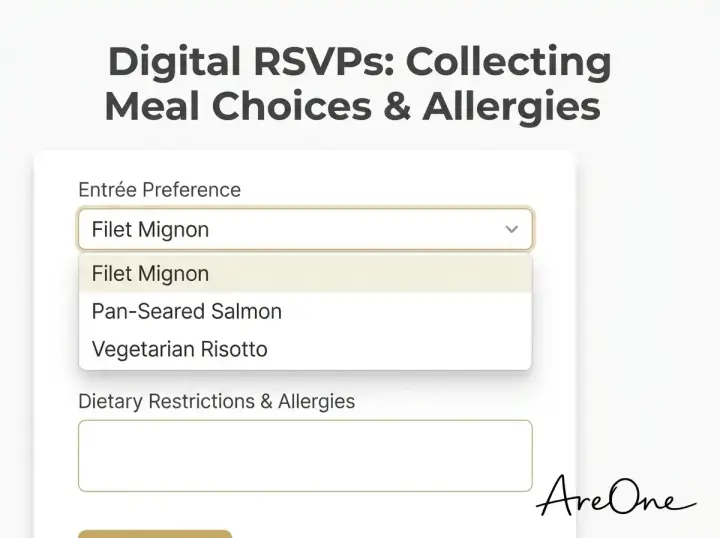
Gathering accurate meal choices and allergy information is critical for guest safety and satisfaction. A digital form is the perfect place to collect this data without cluttering a tiny paper card. You want to phrase this request warmly so guests feel cared for, not interrogated.
Copy-Paste Example (Meal Choices):
"We are delighted to share a beautiful meal with you. When submitting your RSVP online at [Insert Link], please select your entrée preference and detail any severe allergies or dietary requirements."
Make sure your digital form has a dedicated, open-text field for allergies. A simple checkbox for 'vegetarian' or 'gluten-free' is great, but allowing guests to type in 'severe peanut allergy' is much safer for your catering team to manage.
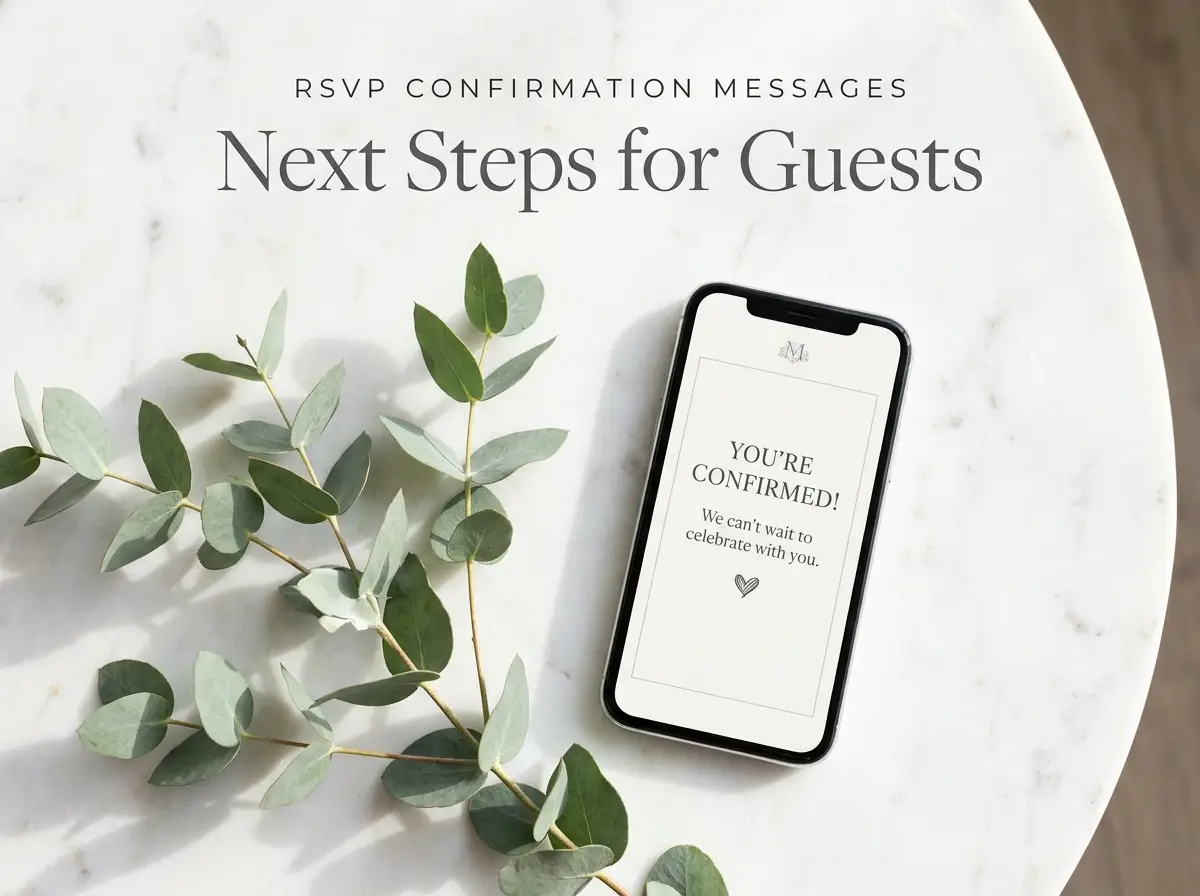
Recommended ReadingRSVP Confirmation Messages: Templates, Timelines & Next Steps →Navigating Plus-Ones and Kids Rules
Communicating boundaries about plus-ones and children is notoriously uncomfortable. However, being clear upfront prevents immense awkwardness later. Digital platforms are helpful here because you can lock the guest list, preventing people from digitally adding uninvited guests. Our smart wedding RSVP system handles this automatically.
Copy-Paste Example (Adults Only):
"While we adore your little ones, our celebration is an adults-only affair. We hope this advance notice allows you to secure childcare and enjoy a night off! Please confirm your attendance on our digital RSVP platform."
Copy-Paste Example (Strict Plus-One Policy):
"Due to venue capacity, we are only able to accommodate guests formally listed on your invitation. Thank you for understanding! Please enter your name at [Insert Link] to RSVP."
RSVP Reminder Wording (The 3-Step Sequence)
No matter how perfect your initial wedding RSVP online wording is, people will forget to reply. Life gets busy, cards get lost on the kitchen counter, and well-meaning friends simply slip up. Having a structured RSVP reminder wording sequence takes the emotion out of chasing down answers.
We recommend a three-step sequence. The first nudge should happen exactly one week before the deadline. This should be casual, friendly, and assume the best. A quick text message or email works perfectly here.
Copy-Paste Example (1 Week Before Deadline):
"Hi everyone! We are getting so close to the big day and we are thrilled. Just a quick reminder that our RSVP deadline is next Friday, [Date]. You can easily let us know if you can make it right here: [Link]. Love you all!"
The second nudge happens the day after the deadline has passed. This message needs to be more direct. The tone should still be kind, but it must convey urgency. For more detailed timing advice, read our guide on when to send RSVP reminders.
Copy-Paste Example (Day After Deadline):
"Hi [Name], we are finalizing our numbers with the caterer this week and noticed we haven't received your RSVP yet! We would love to celebrate with you. Please let us know either way by tomorrow evening at [Link]."
The final nudge is a phone call. Texting is too easy to ignore at this stage. Call the guest directly. If they do not answer, leave a warm but firm voicemail stating that if you do not hear back by a specific time, you will have to mark them as a decline to finalize your venue requirements.
Troubleshooting Late or Missing Responses
Handling MIA guests requires a delicate touch, especially when dealing with older relatives who might find digital platforms intimidating. If Grandma hasn't RSVP'd online, she probably isn't ignoring you; she might just be confused by the website.
For elderly VIPs, skip the digital reminders entirely. Give them a phone call early in the process. You can gently say, "Hi Grandma, I know we are doing everything online for the wedding, but I wanted to personally call and get your meal choice so I can fill out the form for you." This makes them feel special and solves your headcount problem instantly.
For friends who are chronically disorganized, do not take their lack of response personally. Industry statistics show that up to 20% of guests require a follow-up. Keep your communication strictly logistical. Frame the urgency around vendor requirements rather than your own frustration.
If a guest reaches out after the absolute final headcount has been submitted to the caterer, you must hold your ground kindly. You can say, "I am so sorry, but we had to submit our final numbers to the venue yesterday and can no longer make additions. We will miss you and hope to celebrate together soon!"
Need a faster RSVP flow?
Use AreOne to collect guest replies, meal choices, and reminders in one clean workflow.
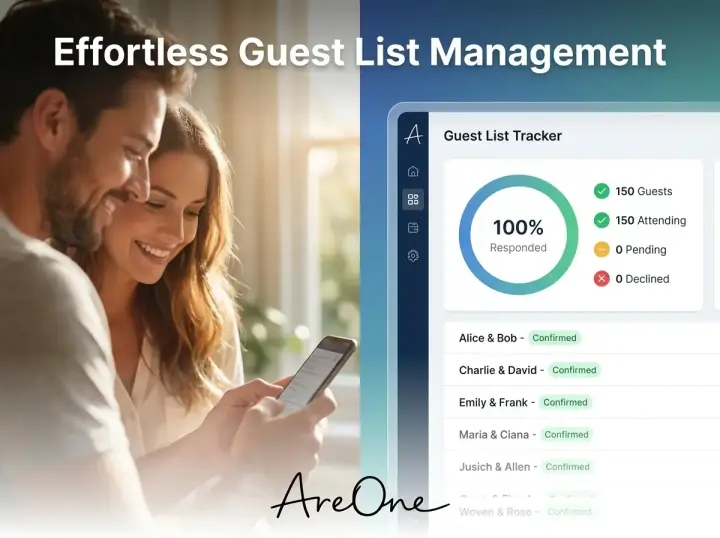
4 Common Mistakes Couples Make with Digital RSVPs
Even with the best intentions, it is easy to make slight errors that cause massive headaches down the road. Let us examine four common pitfalls couples encounter when crafting their digital reply strategies, so you can easily avoid them.
Mistake 1: Hiding the URL in tiny font.
Designers love small, delicate fonts, but your guests need legibility. If the website link is too small or printed in a faint color, older guests will struggle to read it. Always prioritize function over pure aesthetics when it comes to vital logistical information.
Mistake 2: Forgetting the buffer week.
We mentioned this earlier, but it bears repeating. If your caterer needs numbers on the 15th, do not make your guest deadline the 15th. You will inevitably spend three days chasing people down. Always set your public deadline at least one week before your actual vendor deadline.
Mistake 3: Overcomplicating the questionnaire.
It is tempting to use the digital form to ask guests for their mailing address, email, phone number, favorite song, and weekend activity preferences. Do not do this. Keep the form short. The more questions you ask, the higher the abandonment rate will be. Stick to attendance, meals, and allergies.
Mistake 4: Not explaining the QR code.
While most people know how to use a QR code, some older guests might think it is just a decorative graphic or a barcode for the post office. Always include a brief sentence explaining what it is.
Your Pre-Launch Checklist
Before you hit print on your invitation inserts or send out your digital invites, run through this comprehensive checklist to ensure a flawless guest experience:
- Is the website URL typed correctly and functioning?
- Is the RSVP deadline clearly visible on the main card?
- Does the digital form include an open-text field for dietary restrictions?
- Have you locked the plus-one capabilities for restricted guests?
- Is your "buffer week" safely built into the public deadline?
- Did you test the QR code with your own smartphone camera?
- Does the website work seamlessly on both desktop and mobile devices?
Comparing Digital vs. Traditional RSVP Methods
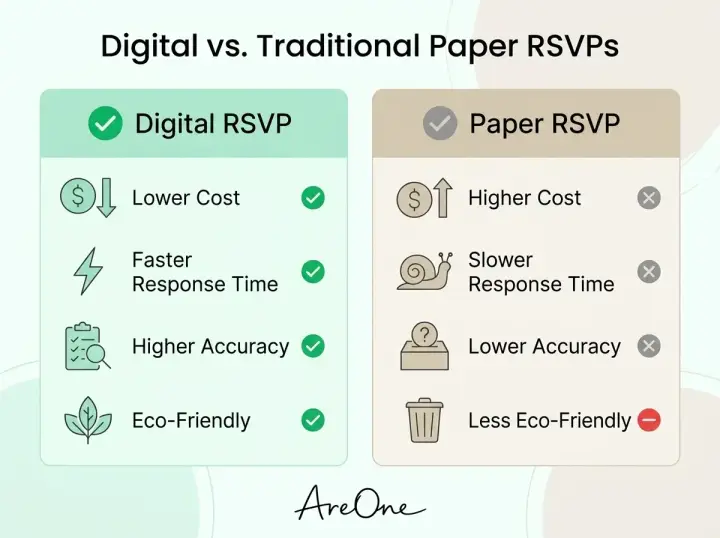
If you are still on the fence about whether to use a physical reply card or rely solely on a digital platform, evaluating the pros and cons can provide clarity. Here is a breakdown of how the two methods compare across crucial wedding planning metrics.
| Feature | Digital RSVP Platform | Traditional Paper Cards |
|---|---|---|
| Cost | Highly affordable (often free with a wedding website). Zero postage required. | Expensive. Requires custom printing, physical envelopes, and double postage stamps. |
| Speed of Replies | Instant. Guests can reply the minute they receive the invitation. | Slow. Relies on postal service timelines and manual return mailing. |
| Accuracy & Tracking | Automatic spreadsheet generation. No messy handwriting to decipher. | Manual data entry required. Guests often forget to write their names on the card. |
| Environmental Impact | Eco-friendly. Zero paper waste generated. | High waste. Envelopes and cards are frequently discarded after the event. |
A Match Made in Heaven
Planning the logistical side of a celebration should never overshadow the romance of the occasion. Just as you have found your perfect match in life, finding the perfect wedding RSVP online wording is the ultimate partnership for a flawlessly executed event. Crafting clear, warm, and structured instructions ensures your loved ones can easily confirm their attendance, allowing you to focus completely on the joyous moments ahead.
Ready to simplify your guest list?
Frequently Asked Questions
Find quick answers to common questions about this article.

No approved comments yet.