
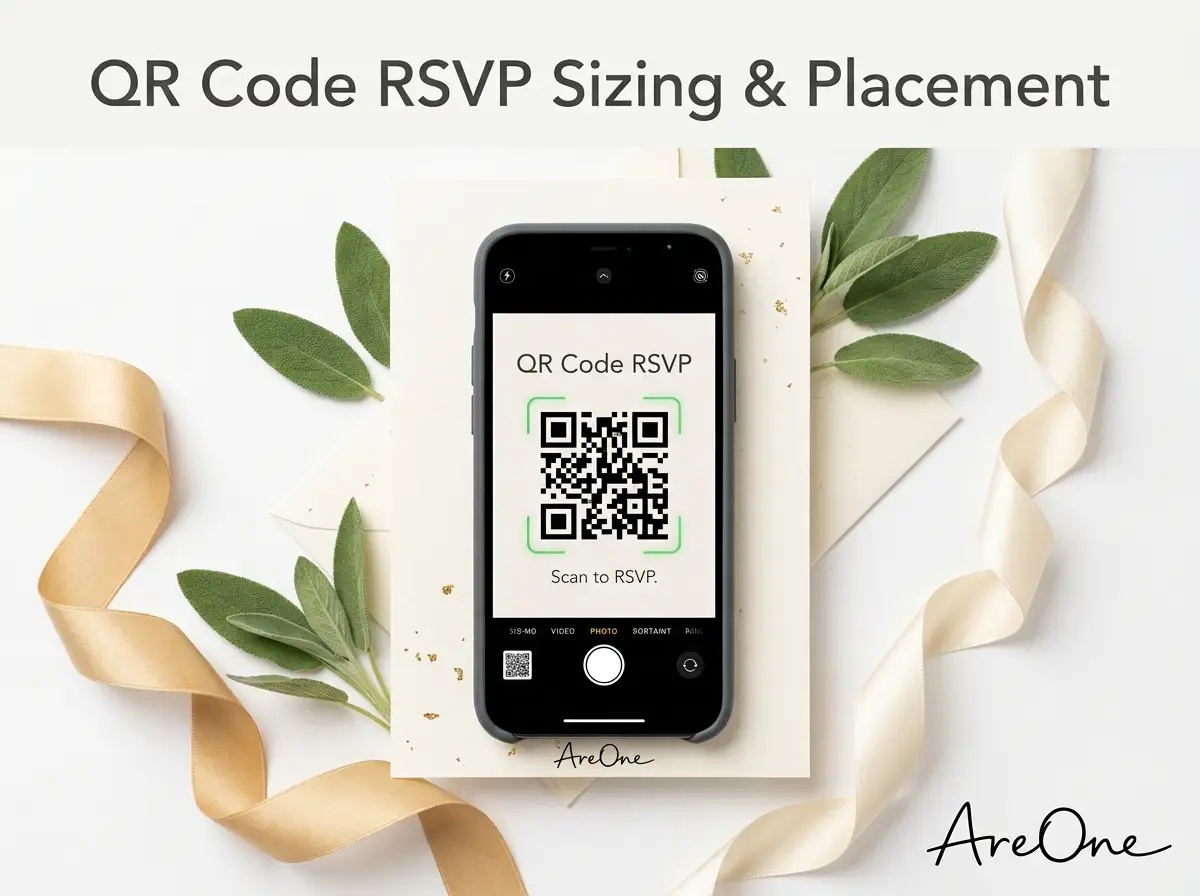
TL;DR: Adding a QR code RSVP to your wedding suite streamlines guest headcounts, saves postage money, and requires precise sizing, clear wording, and thorough testing to ensure a reliable digital experience.
The Rise of the Scannable Digital Response
Planning a wedding involves managing a million tiny details, but gathering replies from your loved ones should never be a stressful task. A modern QR code RSVP transforms how you track your guest headcount. It gracefully bridges the gap between elegant paper designs and seamless digital convenience.
Historically, couples relied on paper response cards. This meant ordering extra envelopes, purchasing expensive return stamps, and enduring agonizing waits by the mailbox. Worse yet, cards often went missing in transit. A digital approach removes these hurdles entirely.
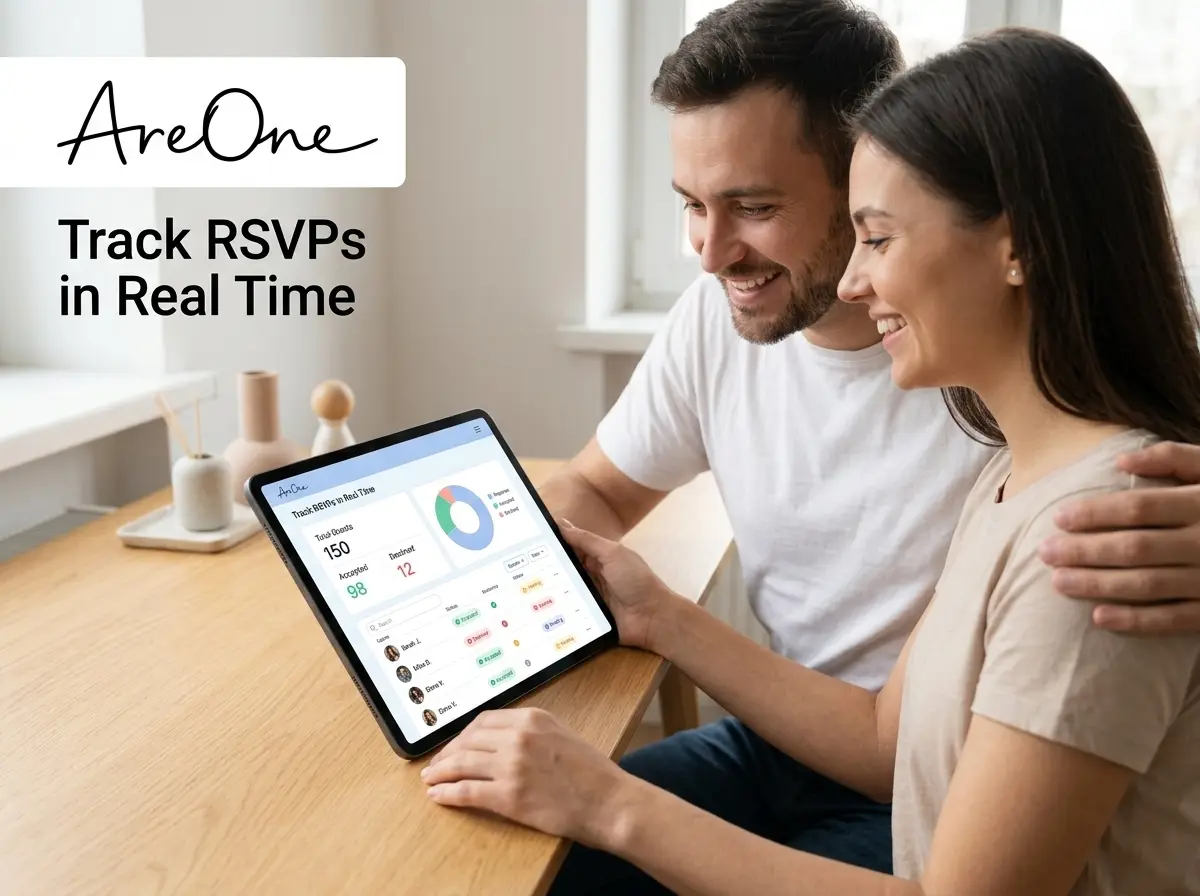
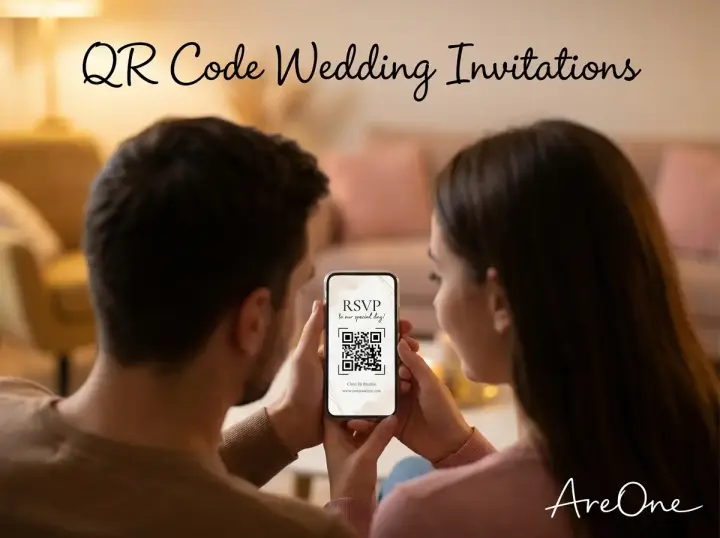
By incorporating a scannable graphic into your stationery, guests simply point their smartphone cameras at the card and confirm their attendance instantly. The process is intuitive. It provides immediate data straight to your digital dashboard, giving you real-time updates on meal choices and plus-ones.
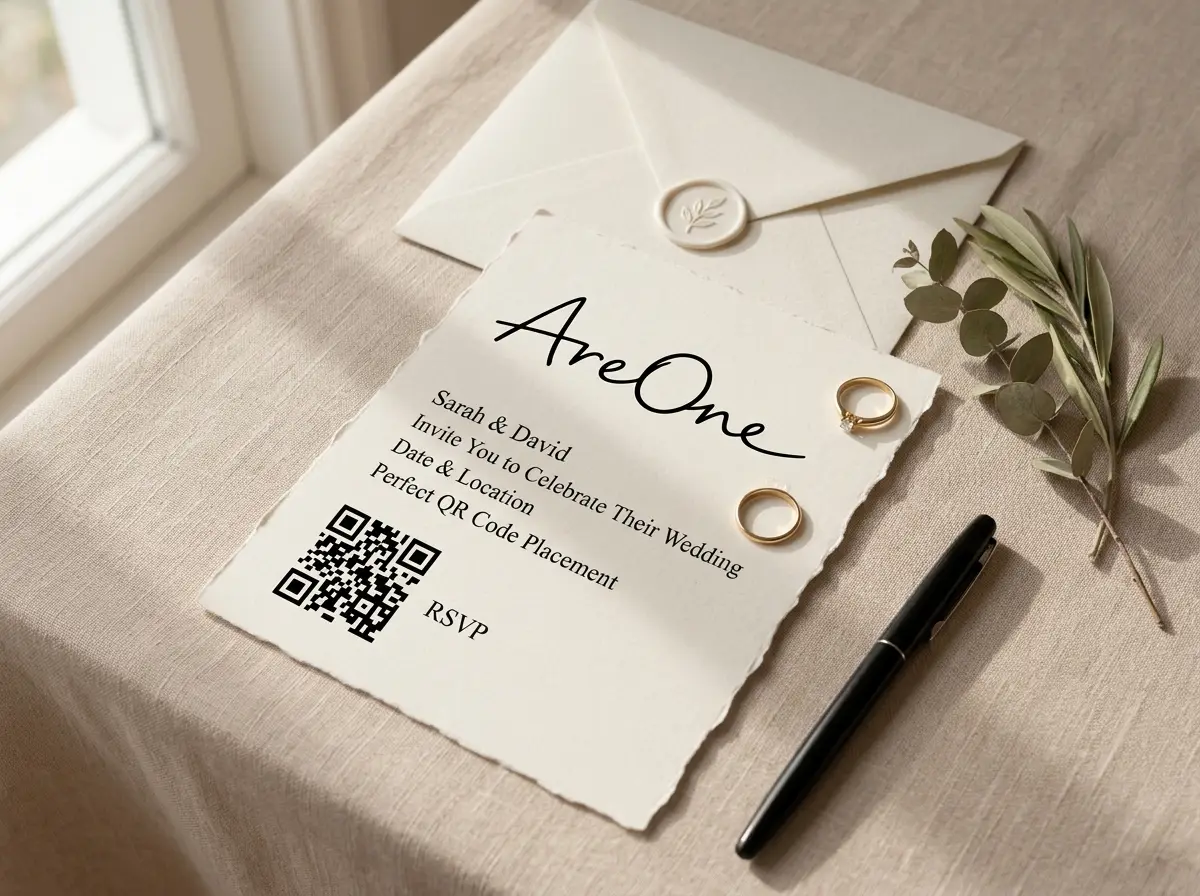
When Scannable Tech Helps (And When It Requires Care)
Embracing digital solutions for your wedding correspondence offers immense benefits, but it also requires thoughtful implementation. Understanding your audience is the key to creating a simpler experience for everyone invited.
The Magic of Instant Replies
The primary advantage of a QR code RSVP is pure speed. When your friends and family receive their beautiful paper suite, their excitement is at its peak. Capturing their response in that exact moment guarantees a higher return rate. There is no risk of them setting the card aside, forgetting to buy a stamp, or losing the envelope entirely.
digital forms allow you to gather specific details seamlessly. You can ask customized questions about severe food allergies, song requests for the reception, or preferred transportation options. Managing these intricate details on a tiny piece of paper quickly becomes messy and unreadable.
With a comprehensive digital platform, all this information automatically populates into an organized spreadsheet. If you integrate this with your digital RSVP tracking feature at AreOne, you eliminate the need for manual data entry entirely. You save hours of typing and organizing.
Keeping Older Guests Comfortable
While millennials and Gen Z navigate smartphone cameras effortlessly, older generations might feel slight hesitation. Your grandparents might find the technology confusing if it is not clearly explained. This is where empathy and thoughtful design step in.
You never want a guest to feel alienated or frustrated by your invitation. Providing clear, legible instructions directly underneath the scannable graphic dramatically reduces confusion. We recommend pairing the graphic with a simple, typed-out web address.
If you know certain elderly relatives lack smartphones, a quick phone call remains a lovely, personal touch. You can manually enter their verbal response into your AreOne dashboard, ensuring your master guest list remains perfectly accurate and centralized.
What Your QR Code RSVP Should Link To: Forms vs. Full Websites
A common point of confusion for couples is deciding the exact destination of the scanned link. Should it go directly to the response form, or should it send guests to the homepage of your wedding website? The answer depends on what information you have already provided.
Directing Straight to the Response Form
If your physical invitation is comprehensive—meaning it already lists the venue address, start times, dress code, and accommodation details—your scannable link should bypass the fluff. It should send users directly to the actual form.
Adding extra clicks frustrates users. If they are scanning specifically to reply, dropping them onto a massive homepage forces them to hunt for the correct button. A direct link ensures maximum conversion and a smooth, frictionless user journey.
Linking to the Complete Digital Experience
Conversely, if you sent out minimalist, modern cards that only contain your names, the date, and the city, the link destination must serve a broader purpose. In this scenario, the scanned graphic should direct guests to your complete wedding website.
This strategy allows you to utilize beautifully designed digital spaces to share your love story, travel recommendations, and detailed schedules. Guests can read through the exciting details before clicking a visible button to submit their attendance. If you are inviting friends from across the globe, integrating multilingual wedding invitations ensures everyone understands the details perfectly.
Recommended ReadingChild-Free Wedding FAQ: Polite Answers for Guest Pushback →Comparing Link Destinations
| Link Strategy | Best Use Case | Guest Experience | Load Time Impact |
|---|---|---|---|
| Direct to Form | Heavy paper suite with all details included. | Extremely fast, straightforward, high completion rate. | Minimal load time; strictly functional interface. |
| Full Website Homepage | Minimalist paper invites needing extra context. | Immersive, emotional, builds excitement before replying. | Slightly longer; requires optimized mobile images. |
Placement and Sizing Guidelines for Printouts and Signs
Designing a beautiful invitation suite means balancing aesthetics with pure functionality. If your digital shortcut is impossible to find or too small for a phone to recognize, it defeats the entire purpose of including it.
Finding the Perfect Wedding Invite QR Code Size
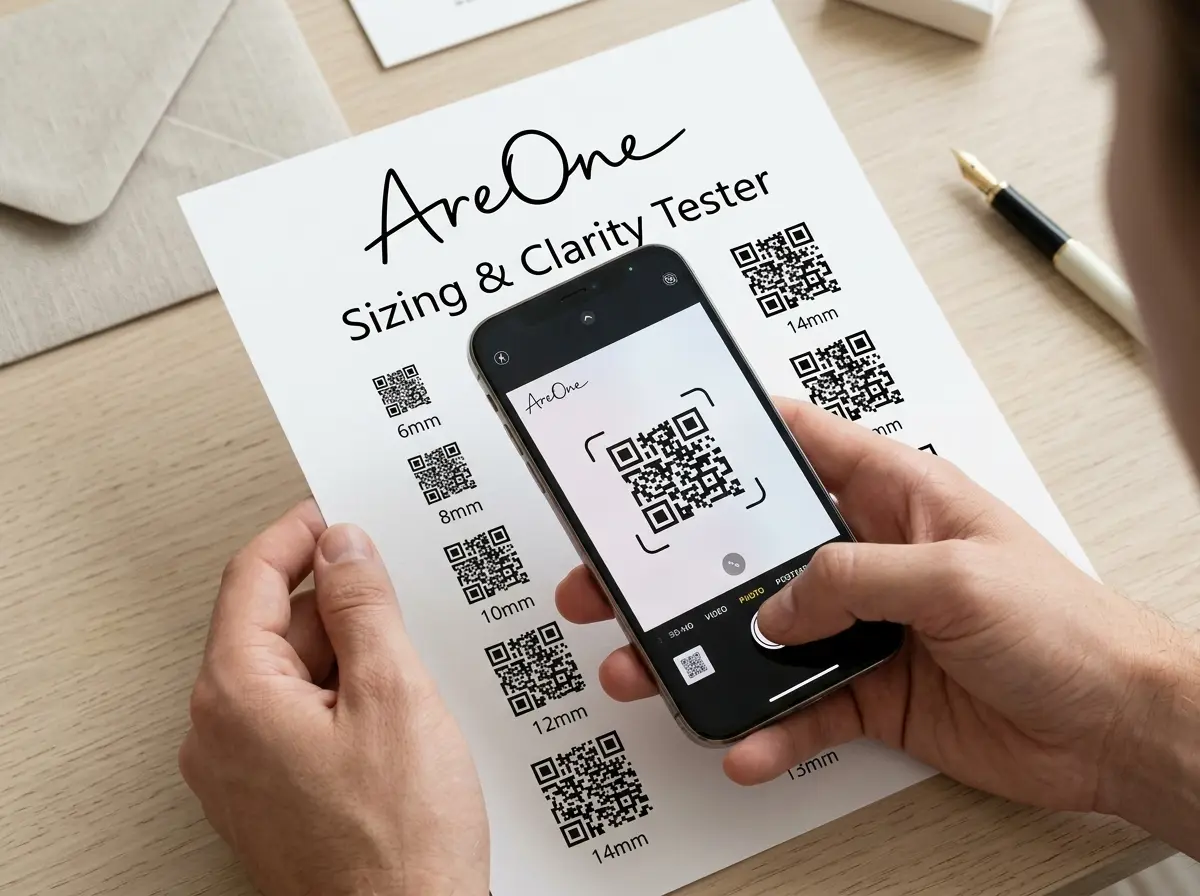
The most critical technical specification you must adhere to is the wedding invite QR code size. Printing it too small is a guaranteed recipe for failure. As a universal standard, the graphic should never be smaller than 1 inch by 1 inch (2.5 cm by 2.5 cm).
If the graphic contains a complex URL string, the pattern becomes denser. A denser pattern requires a larger physical footprint to remain scannable by older smartphone cameras. We suggest utilizing a URL shortener if your platform does not automatically generate one.
always preserve a 'quiet zone' around the graphic. This is a clear, unprinted margin of white space bordering the square. Without this buffer, the phone camera struggles to determine where the code ends and the floral background art begins.
Creative Placement Ideas Beyond the Envelope
While the traditional spot is on a dedicated insert card, modern couples are getting creative with placement. Printing it on the back of the main invitation card is an excellent way to save paper and reduce your overall stationery budget.
Browse invitation layouts that fit your plan.
Compare layouts for schedules, travel details, guest guidance, and RSVP information before choosing one for your invitation.



You can also utilize this technology on the actual wedding day. Printing a large graphic on your welcome sign can direct guests to a digital program, a shared photo-upload folder, or an interactive seating chart.
Essential Copy-Paste Wording Examples
Knowing exactly what to write alongside your graphic is a common source of writer's block. The text must be polite, clear, and concise. Here are several copy-paste examples you can steal for your suite.
Example 1: The Formal & Traditional Approach
'The favor of your reply is requested by the fifteenth of September. Please scan the image below using your smartphone camera to submit your response, or visit our digital portal at [Your Web Address].'
Why this works: It maintains a elevated, formal tone while clearly explaining the technological step. Providing the typed URL offers a safe fallback.
Example 2: The Modern & Casual Approach
'We cannot wait to celebrate with you! Point your phone's camera at the square below to let us know if you can make it. Kindly reply by September 15th.'
Why this works: It is warm, brief, and actionable. It uses active verbs ('Point your phone') to guide the user seamlessly.
Example 3: The Ultra-Brief Minimalist Approach
'RSVP online by September 15th. Scan to reply or visit [Your Web Address].'
Why this works: Perfect for small cards with limited real estate. It delivers the exact requirements without any conversational fluff.
Common Mistakes Couples Make with Scannable Tech
Even the most meticulously planned weddings can fall victim to simple technical oversights. Avoid these major pitfalls to guarantee your digital response system works flawlessly for every single guest.
Need a faster RSVP flow?
Use AreOne to collect guest replies, meal choices, and reminders in one clean workflow.
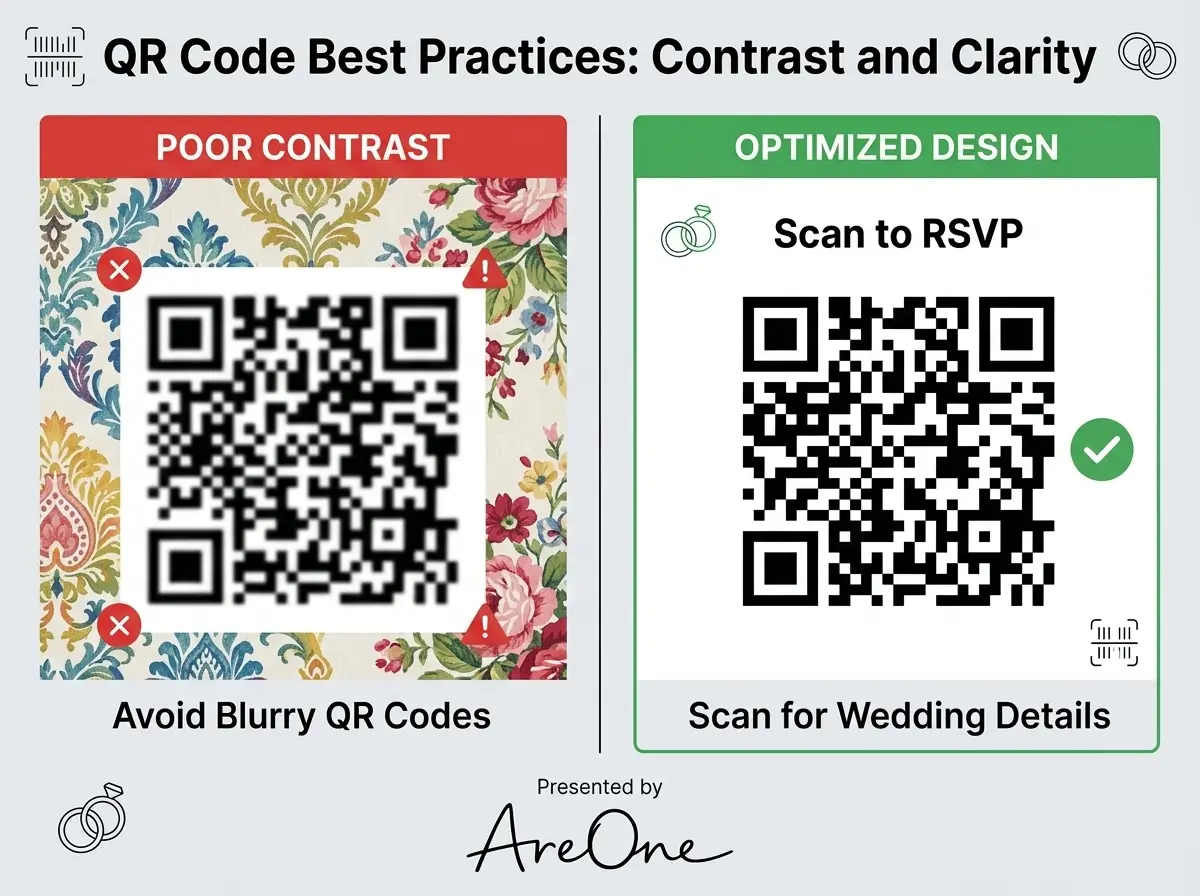
Mistake 1: Ignoring Color Contrast Rules
Aesthetically, printing a pale blush graphic on a soft ivory card sounds gorgeous. Technically, it is a disaster. Smartphone cameras rely on high contrast to read the data points. You must ensure the graphic is significantly darker than the background. Black, deep navy, or forest green on a white or cream background works best.
Mistake 2: Using Expiring Generator Tools
Many free online generators offer temporary links. If you generate your graphic in January, print your invitations in March, and mail them in May, a free service might have deactivated your link. Always use a permanent, dedicated service. Our comprehensive guide to scannable invites explains how reliable platforms secure your links forever.
Mistake 3: Linking to Non-Mobile-Friendly Sites
By definition, anyone scanning your graphic is using a mobile phone. If your linked website features tiny text, massive uncompressed images, or buttons too small to tap with a thumb, guests will abandon the process. Always design and test your destination site specifically for vertical mobile screens.
Mistake 4: Omitting the Plain-Text URL
Technology occasionally fails. Phone cameras get scratched, lenses get dirty, and older devices struggle with complex patterns. Never print the graphic completely alone. Always provide the actual typed-out website address directly underneath it so guests have an alternative method to reach your forms.
Link Preview Basics for Messaging Apps
Not every invitation goes through the physical postal service. Many couples send digital links directly via text message, iMessage, or WhatsApp. When you paste a link into these messaging applications, they automatically generate a visual preview box.
This preview box relies on specific metadata embedded within your website's coding. Understanding how to control this data elevates your digital presentation from an unappealing blue hyperlink to a stunning, branded visual experience.
Perfecting the Open Graph Wedding Invitation
The metadata responsible for these visual previews is called Open Graph (OG). Creating a beautifully optimized Open Graph wedding invitation ensures that when your aunt texts the link to your cousins, a gorgeous engagement photo and customized title appear in their chat thread.
To achieve this, your digital platform must allow you to upload a specific OG image. This image should generally be rectangular, maintaining a 1.91:1 ratio. If you fail to set this up, messaging apps might randomly pull a meaningless icon or a blank white square from your website.
You must also customize the OG Title and OG Description. Keep the title brief, such as 'Emma & Liam's Wedding.' The description should act as an exciting sub-headline. For deeper technical guidelines, you can review the official WhatsApp link preview documentation to see exactly how mobile apps cache these essential images.
The Ultimate Pre-Print Testing Checklist
Before you approve your final proofs and authorize your stationery vendor to print hundreds of cards, you must execute a rigorous testing phase. Do not skip these steps, as reprinting custom stationery is both expensive and stressful.
- Test the Printed Proof: Never rely on scanning your computer monitor. Screens emit backlights that make scanning artificially easy. Print a true-to-size paper copy at home and test the physical paper.
- Check Apple Devices: Scan the printed copy using the native iOS camera app on an iPhone. Ensure it immediately recognizes the yellow link bubble.
- Check Android Devices: Use an Android device to scan the identical code. Different operating systems interpret visual data slightly differently.
- Test in Low Light Conditions: Dim the lights in your room and try again. Guests might open your mail in the evening. If the contrast is too weak, the scan will fail in the shadows.
- Verify the Destination: Actually tap the link. Ensure it opens the exact response form you intended, and verify that the page loads quickly over a standard cellular network.
- Check the Meta Preview: Send the link to yourself via text message to verify that your Open Graph settings look elegant and professional. According to Google Search Central's best practices, accurate metadata significantly improves user trust and engagement.
Scanning the Horizon for Your Scannable Success
Navigating the modern landscape of event planning requires the right blend of elegance and efficiency. By strategically implementing a flawless QR code RSVP, you unlock an new level of organizational ease. You remove friction for your loved ones while securing the exact details you need to host an unforgettable celebration. With your sizing perfect, your wording clear, and your tests complete, you are ready to hit send and watch the joyful responses roll in seamlessly.
Ready to upgrade your guest experience and stop chasing missing mail?
Primary Action: Create your digital invite at AreOne.org today and experience simpler planning.
Secondary Action: Need inspiration? Browse our modern templates and find the perfect aesthetic for your big day.
Frequently Asked Questions
Find quick answers to common questions about this article.

No approved comments yet.