
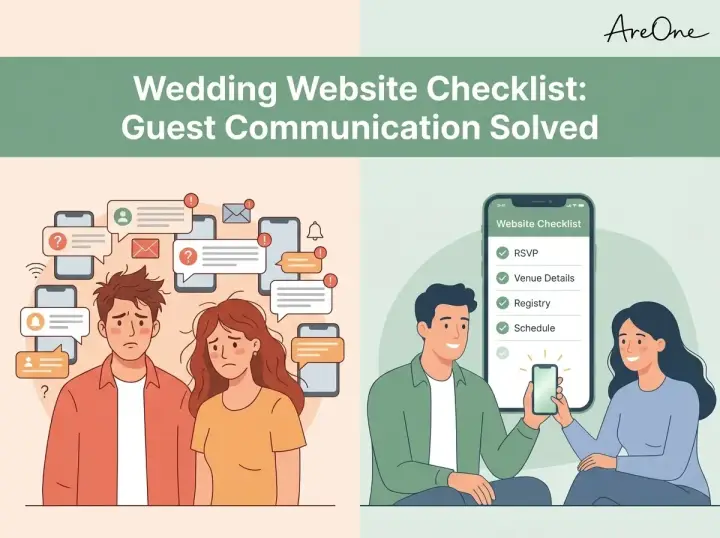
TL;DR: Following a comprehensive wedding website checklist ensures your guests stay informed, saving you from endless questions and a cluttered inbox.
A wedding website should answer the questions guests ask before they text you: where to go, when to arrive, what to wear, how to RSVP, and where to find travel details. A wedding website checklist keeps those answers in one place, including the practical information older relatives and international guests may need on a phone.
This guide covers the sections to include, the wording that needs extra care, and the details to check before you share the link. Keep the layout simple so guests can reach the schedule, travel information, and RSVP without searching through several pages.
What Is A Wedding Website Used For
Before jumping into the finer details, you might be asking: what is a wedding website used for? Think of it as the central command station for your entire event. While paper invitations are lovely keepsakes, they simply cannot hold all the logistical details modern events require without looking like a textbook.
Quick answer
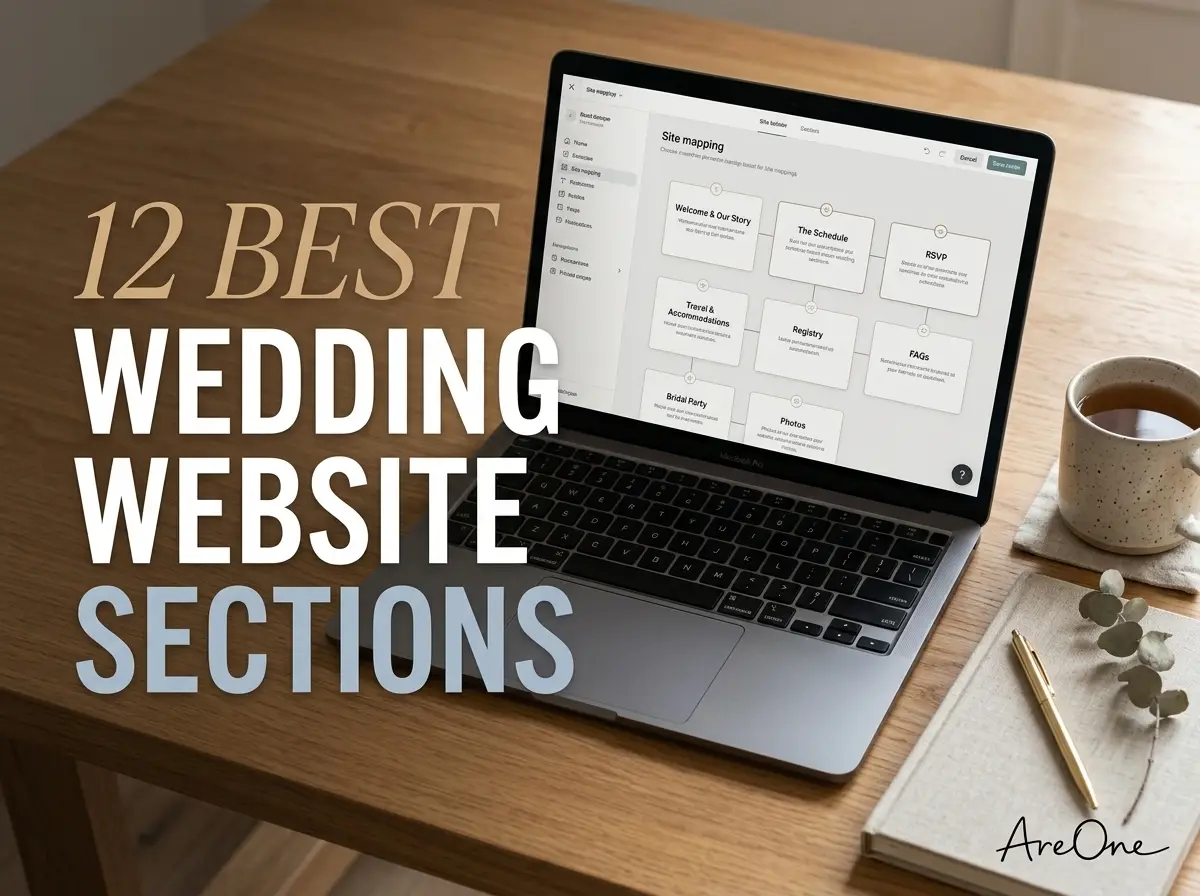
Your site serves as a living document. It is a 24/7 resource where guests can find dates, times, maps, registry links, and style guides. Most importantly, it is where guests submit their digital responses. Having one single place for answers eliminates confusion, reduces your stress, and keeps your loved ones well-informed. For a deeper dive into overall planning, explore our guide to the 12 best sections for a wedding website.
Examples / templates
Modern platforms like AreOne offer beautiful designs tailored to any aesthetic. You might choose a minimalist layout that puts the timeline front and center, or a romantic, photo-heavy template that tells your love story before sharing the facts. No matter your choice, the primary goal remains utility. Guests should navigate from the homepage to the travel details without second-guessing where to click.

What Guests Expect to Find (Fast Scan)
When a guest opens your link, they are typically looking for quick answers. They want to know where they need to be, when they need to be there, and what they should wear. They do not want to hunt for this information. Knowing what to put on wedding website homepages is crucial for setting the right tone.
The most successful designs cater to skimmers. Clear headings, bullet points, and prominent buttons are your best friends. The essentials—date, city, and venue names—should be visible immediately. Treat the top portion of your homepage as a billboard: bold, direct, and impossible to misread.
According to experts at Brides.com, prioritizing user-friendly navigation is just as important as the visual design. If your college roommate or your great-aunt cannot find the RSVP button within five seconds, your layout needs an adjustment.
Must-Have Sections (Map, Schedule, RSVP, FAQ)
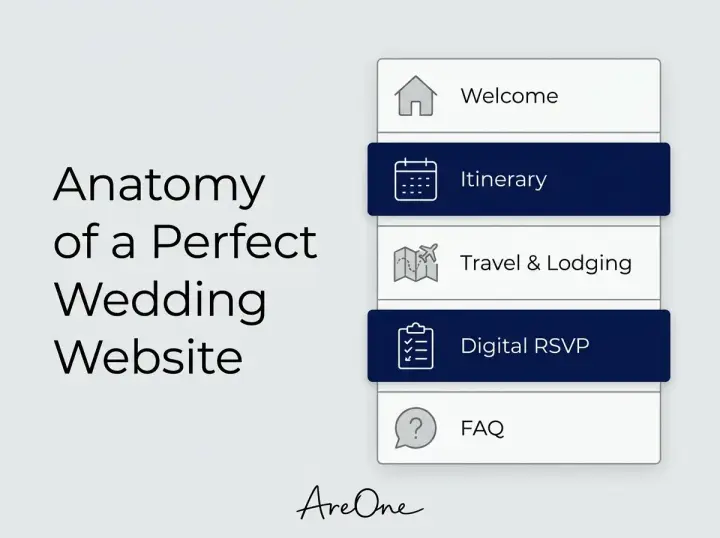
There are non-negotiable wedding website sections every couple must include. Missing these elements guarantees a flurry of confused text messages the week of your event. Let us break down the core components that make up a rock-solid foundation.
Here is a handy table outlining the vital elements to include:
| Section Name | Primary Purpose | Guest Priority Level |
|---|---|---|
| Welcome / Homepage | Names, date, location, and the overarching aesthetic. | High |
| Itinerary / Schedule | Exact start times for ceremonies, cocktails, and receptions. | High |
| Travel & Lodging | Hotel block links, airport details, and venue maps. | High |
| Digital RSVP | Collecting headcounts, dietary restrictions, and song requests. | High |
| FAQ | Clarifying plus-ones, dress codes, and unplugged rules. | Medium |
The schedule must clearly state when doors open versus when the event actually begins. Adding a map or direct links to rideshare apps prevents guests from getting lost. linking a robust digital RSVP system directly to your site ensures you never lose a response card in the mail.
Nice-to-Have Sections (Registry, Photos, Stories)
Once the essential logistics are covered, you can personalize the space. These nice-to-have sections add charm and help out-of-town guests feel more connected to your journey. First up is the registry. While it is considered poor etiquette to print registry information on a formal physical invitation, your online hub is the perfect, polite place to host these links.
Your love story and photo gallery also fit perfectly here. Keep the story brief and entertaining—how you met, the proposal, and what you love doing together. Introduce your wedding party with short, funny bios so guests recognize familiar faces on the big day.
Local recommendations are a fantastic touch for destination events. Share your favorite coffee shops, parks, or museums. Giving out-of-towners a curated list of activities turns your celebration into a memorable weekend getaway.
Recommended ReadingWedding Website Proofreading Checklist: Avoid Embarrassing Mistakes →Wedding Website Wording: Copy-Paste Wording Examples
Finding the right tone can be tricky. You want to be polite but firm about your boundaries. Here are some reliable wedding website wording ideas to handle delicate situations with grace.
Copy-Paste Example for Adults-Only Events:
We love your little ones, but our celebration will be an adults-only affair. We hope this advance notice allows you to secure childcare and enjoy an evening off to celebrate with us!
Copy-Paste Example for Unplugged Ceremonies:
We invite you to be present with us during our ceremony. Please turn off all phones and cameras until the reception. We have hired an incredible photographer and promise to share all the beautiful moments with you later.
Copy-Paste Example for Specific Dress Codes:
We ask our guests to dress in cocktail attire. Ladies, please note that the ceremony will take place on a grass lawn, so chunky heels or wedges are recommended over stilettos.
Wedding Website Domain Examples
Browse invitation layouts that fit your plan.
Compare layouts for schedules, travel details, guest guidance, and RSVP information before choosing one for your invitation.



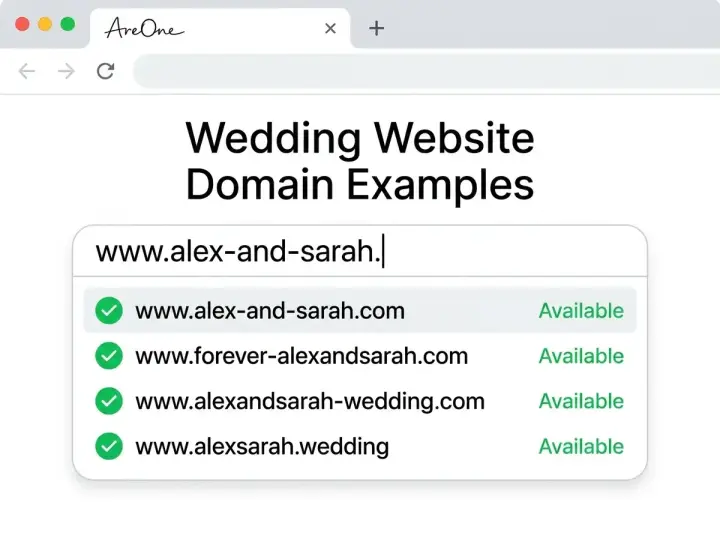
Choosing a web address is a fun but surprisingly critical step. The URL should be memorable, easy to spell, and ideally look great printed on a save-the-date card.
Quick answer
Your domain should ideally consist of your first names, last names, or a simple combination of both alongside your wedding year. Avoid complex spellings, hyphens, or inside jokes that guests might type incorrectly. The team at The Knot advises keeping domains as short and sweet as possible to avoid printed errors.
Examples / templates
If you are stuck, try these reliable formulas:
- The Classic: JohnAndJane.com
- The Future Family: MeetTheSmiths2026.com
- The Event-Focused: JaneAndJohnTieTheKnot.com
- The Destination: SmithWeddingInTuscany.com
Many couples opt for a custom domain because it adds a premium touch. If your names are common, simply adding the city or the year is an elegant way to secure a unique address.
Common Mistakes Couples Make
Even with the best intentions, couples frequently fall into a few predictable traps. The most common mistake is burying the RSVP link. Your response button should be visible, ideally remaining anchored to the top menu as guests scroll down the page.
Need a faster RSVP flow?
Use AreOne to collect guest replies, meal choices, and reminders in one clean workflow.
Another frequent error is forgetting to update the site as plans change. If the hotel block deadline approaches, or the shuttle schedule shifts by fifteen minutes, your digital hub must reflect that immediately. Leaving outdated information online defeats the entire purpose of having the site.
Finally, couples often forget to password-protect sensitive details. While you want your site to be easily accessible, you might not want the general public knowing the exact time and location of your reception. Adding a simple password—often printed on your save-the-dates—keeps your private event private.
Writing Tips (Short, Clear, Mobile-First)
When drafting your content, write for the smallest screen first. The vast majority of your loved ones will view your site on their mobile phones while on the go. Large blocks of text look intimidating on a smartphone screen.
Keep your paragraphs brief. Use bulleted lists for itineraries and bold text for crucial dates or times. Adopt a friendly, conversational tone that sounds like you are speaking directly to a friend. If you are hosting guests from different countries, consider utilizing multilingual digital invites to ensure everyone understands the logistics perfectly.
Always double-check your spelling and grammar. A typo on a hotel address can cause major headaches on the day of the event. Read everything out loud; if you stumble over a sentence, rewrite it to be clearer.
Wedding Website Checklist: QA Before You Publish
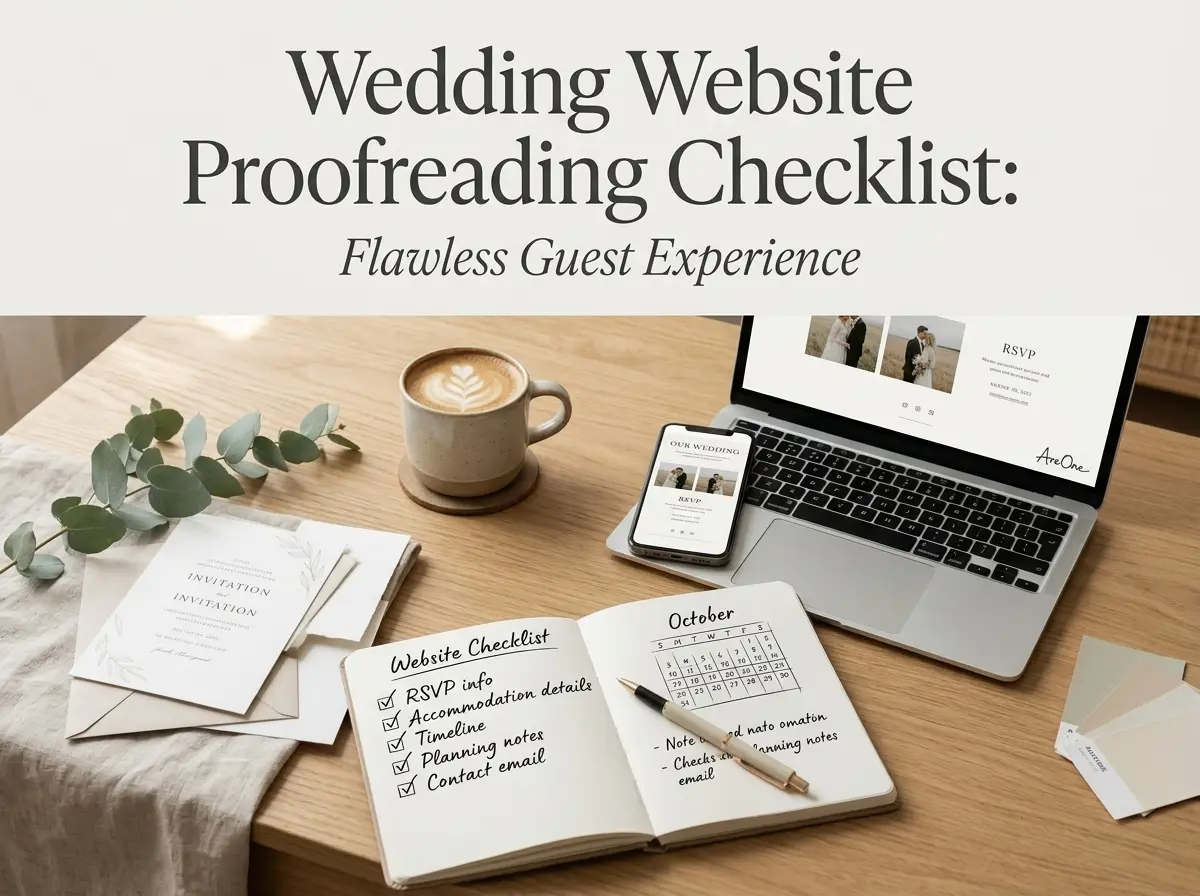
You have customized your layout, added your photos, and typed out your FAQs. Before you share that link with the world, run through this final quality assurance checklist to guarantee perfection.
- Test all links, especially those pointing to hotel blocks and registries, to ensure they open correctly.
- View the site on a desktop, a tablet, and a mobile phone to confirm the formatting looks beautiful everywhere.
- Submit a test RSVP to verify that the form captures dietary restrictions and updates your guest list properly.
- Ask a trusted friend or family member to review the site and point out any missing information or confusing wording.
- Ensure the exact date, city, and venue are prominently displayed on the homepage.
- Verify that your password protection (if used) works smoothly.
Checking Out With Complete Confidence
Before publishing, open the site on a phone and check the date, venue, schedule, travel details, RSVP button, and guest restrictions. Then send the link with the invitation so guests know where to find updates.
Frequently Asked Questions
Find quick answers to common questions about this article.

No approved comments yet.