
TL;DR: Clear travel details reduce guest anxiety, ensure everyone arrives on time, and make your big day simpler.
Setting the Scene for Stress-Free Guest Arrivals
Finding the exact right directions wording wedding planners recommend can feel like solving a complex puzzle. You want to sound warm and inviting, yet you must provide crystal-clear, foolproof instructions. When your loved ones travel from near and far to celebrate your marriage, their journey sets the tone for the entire weekend.
If a guest struggles to find the parking garage or gets lost on a winding country road due to poor cell service, they arrive flustered. We want to avoid that entirely. By crafting clear, easy-to-read travel instructions, you give your guests the gift of a relaxed, joyful arrival.
This guide will show you exactly what to put on wedding website pages to keep everyone moving smoothly. We will provide copy-paste templates, highlight crucial mistakes to avoid, and show you how to structure your information so that both tech-savvy friends and elderly relatives can navigate with absolute ease.
What Guests Expect to Find When Scanning Your Site
When your friends and family click the link to your digital invitation, they usually have a specific goal in mind. Most people do not read every single word on a screen. Instead, they scan the page rapidly to find the exact details they need right at that moment.
Your elderly guests might be looking for reassurance about wheelchair access or clear instructions on where a taxi can safely drop them off. Meanwhile, your college friends are likely searching for the fastest transit route or details about the open bar. Because reading habits vary, your design must cater to everyone simultaneously.
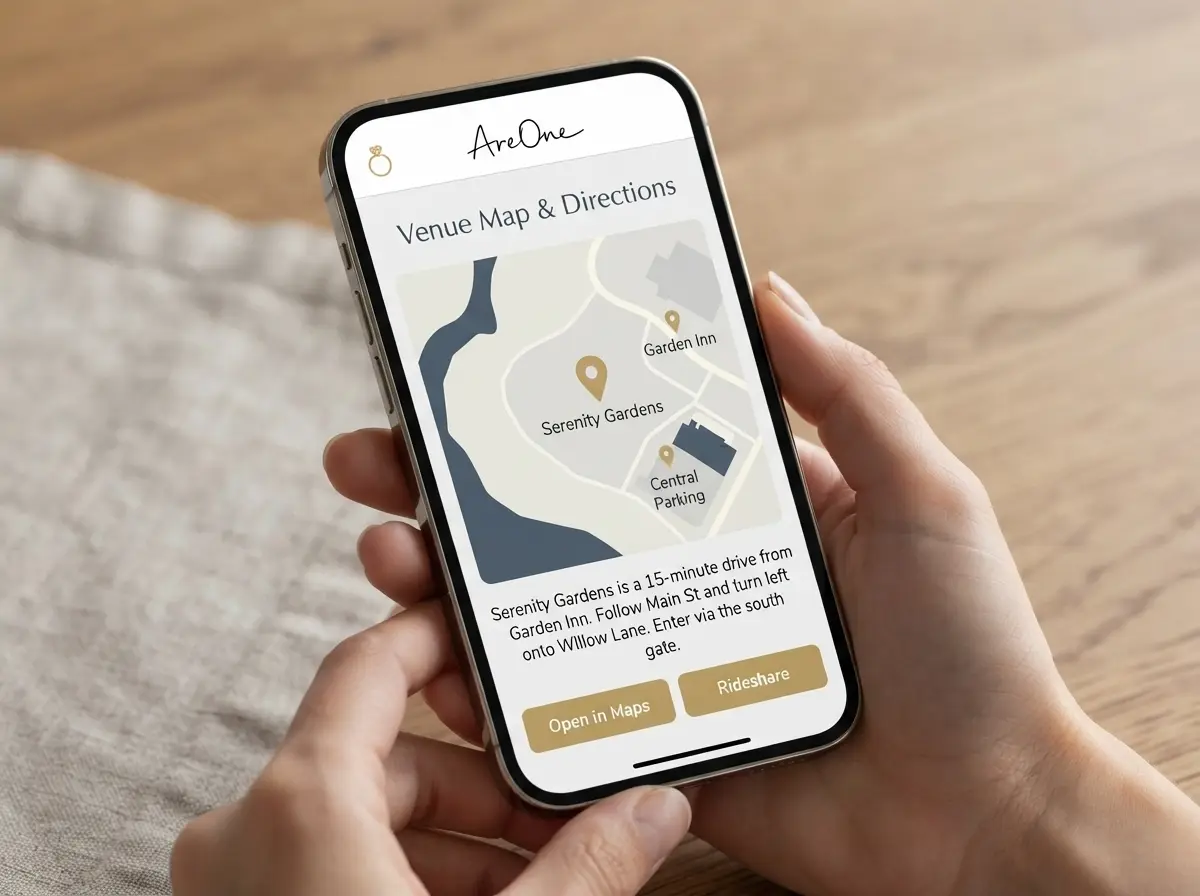
If you bury the physical address of the venue in a thick paragraph of romantic storytelling, people will miss it. Guests expect to see the venue name, the exact street address, and a prominent map link within seconds of landing on your travel page. Clarity must always come before poetry when outlining logistics.
Anticipating Travel Anxiety
Travel anxiety is common. People worry about running late, finding a parking spot in a crowded city, or navigating an unfamiliar rural highway at night. A well-structured travel page directly addresses these hidden fears.
When you explicitly state that parking is free and plentiful, you instantly relieve a burden. When you explain that the venue is exactly a five-minute walk from the central subway station, guests can confidently plan their departure time. Empathy is the secret ingredient to excellent communication.
Must-Have Wedding Website Sections for Flawless Navigation
To build a helpful resource for your attendees, certain wedding website sections are non-negotiable. These core pages form the foundation of your digital hub and serve as the primary reference point throughout the weekend.
First, you need a dedicated location and transit page. This section must feature a integrated, interactive map. We recommend embedding a Google Maps or Apple Maps module directly onto the page. This allows users to click one button and instantly generate a route from their current location.
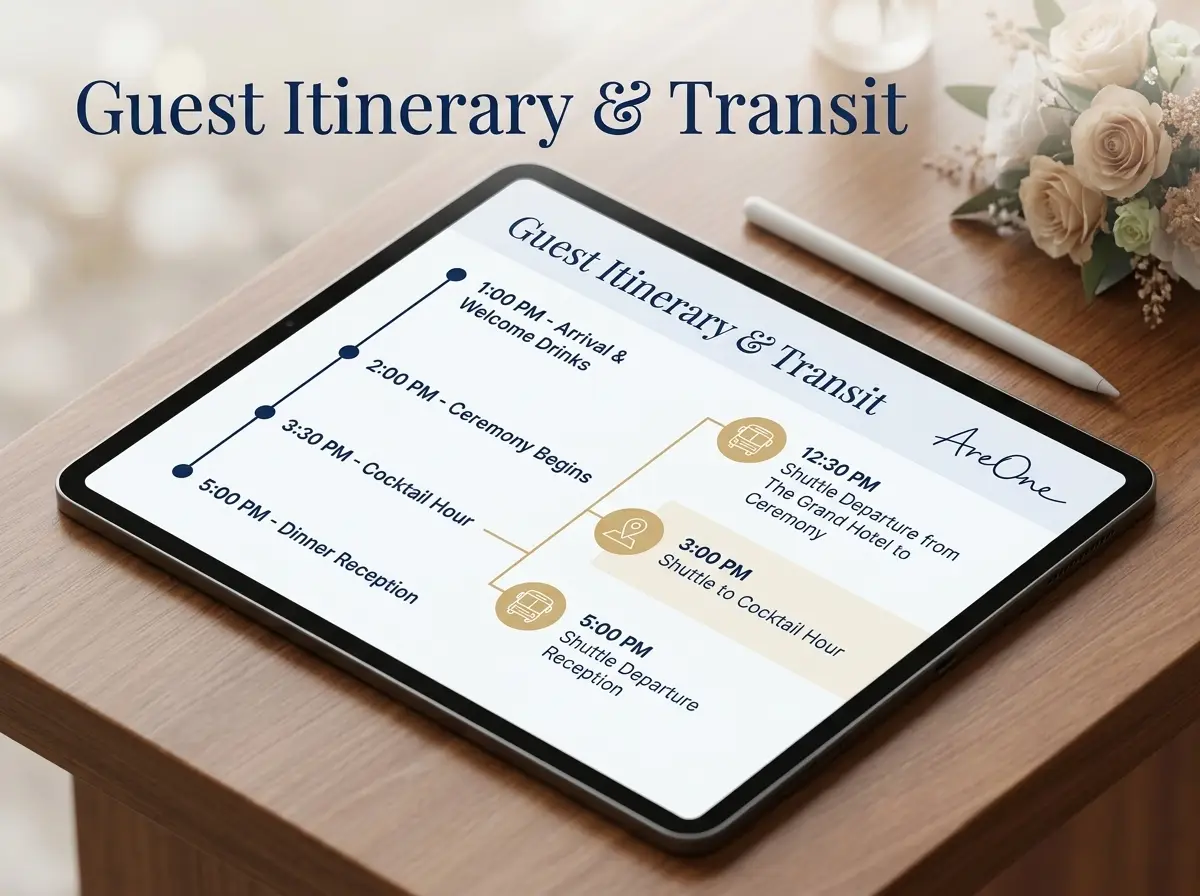
Next, you must tightly integrate your travel details with your itinerary. Your schedule page should tell guests not just when the ceremony starts, but when they should actually plan to arrive. By weaving transit times into your event timeline, you eliminate any confusion about punctuality.
Connecting Travel to Your Guest Count
Your travel information also impacts your final headcount. When guests receive their invitation, they immediately check the logistics to determine if they can realistically attend. A clear, straightforward travel section makes it easier for them to commit.
This is why linking your transit details directly to a seamless digital RSVP flow is so effective. Once they see how easy it is to get to the venue, they can click straight through to accept the invitation, select their meal, and inform you of any dietary restrictions.
Nice-to-Have Sections to Complement Directions
Once your core logistical pages are perfectly polished, you can focus on the supportive content. These are the nice-to-have wedding website sections that elevate the experience from strictly informative to warmly personal.
Your gift registry, engagement photos, and the story of how you met are wonderful additions. They build excitement and give guests a peek into your unique relationship. However, you must organize your site menu so that these personal elements do not overshadow the critical travel data.
Think of your digital invitation like a well-organized guidebook. The most important survival information goes right at the front. The beautiful photography and charming stories provide wonderful background reading once the essential travel arrangements are secured.
Creating a Local Recommendations Guide
If you are hosting a destination event, or simply inviting many out-of-towners, a local recommendations page is a fantastic bonus. Tell your guests where they can find the best morning coffee, a reliable pharmacy, or a scenic park for a morning walk.
You can weave small transit tips into these recommendations. For example, mention that your favorite local brunch spot is just two blocks away from the main hotel block, requiring no additional driving or ridesharing.
Master Your Wedding Website Wording Style
Writing for the web is vastly different from writing a formal letter. Your wedding website wording needs to be crisp, modern, and accessible. Long blocks of text will simply be ignored by busy readers trying to plan their weekend.
Keep your sentences short and direct. Use bullet points whenever you need to list instructions, such as the steps for validating a parking ticket. Choose an active voice that tells the reader exactly what to do next. For example, write 'Park in the underground garage on Elm Street' rather than 'The underground garage on Elm Street can be used for parking.'
Mobile-first design is also critical. Up to eighty percent of your guests will open your digital invitation on a smartphone while sitting on a couch or riding in a car. To see how these principles align with standard etiquette, you might review this Brides.com guide to proper travel communication.
Designing for Diverse Families
If you are inviting relatives from different cultural backgrounds, simplicity becomes even more crucial. Avoid using localized slang or overly complicated metaphors when providing directions. Clear, simple English ensures nothing gets lost in translation.
For couples blending different cultures, utilizing multilingual digital invitations ensures that elderly relatives overseas receive the exact same precise travel details in their native language. This deep level of care makes every single guest feel honored and respected.
Copy-Paste Directions Wording Examples for Every Scenario
Browse invitation layouts that fit your plan.
Compare layouts for schedules, travel details, guest guidance, and RSVP information before choosing one for your invitation.



Staring at a blank screen is the hardest part of building your digital hub. To save you time, we have developed effective templates for the most common logistical challenges. You can easily adapt these directly for your own use.
Remember to always test your final copy. Send the drafted instructions to a friend who has never visited the venue. If they can understand the plan within thirty seconds, your text is ready to be published to your wider guest list.
Example 1: The Urban Venue with Valet Parking
City weddings are glamorous but often feature brutal parking situations. You must remove the guesswork regarding cost and vehicle security immediately.
Copy-Paste Example:
'Welcome to the city! We are thrilled to celebrate with you at The Grand Downtown Hotel. Complimentary valet parking is provided for all our guests. Pull directly up to the main entrance on 4th Avenue, and mention the Smith-Jones wedding to the attendant. If you are using a rideshare app, simply use the hotel’s main name as your destination. Please allow an extra fifteen minutes for city traffic so you can grab a welcome drink before the ceremony begins!'
This wording works because it addresses the cost (complimentary), the exact physical action required (pull up to the main entrance), and sets a realistic timeline expectation.
Example 2: The Rural Destination with Spotty Cell Service
Rustic barns and mountain lodges offer breathtaking views, but they are notorious for dropping GPS signals. You must rely on physical landmarks and clear mile markers.
Copy-Paste Example:
'Our venue, Whispering Pines Farm, is tucked away in the beautiful countryside. Please be aware that cell phone service often drops completely about five miles before you reach the farm. We recommend downloading or printing your route before leaving the highway. Turn right onto County Road 9 just past the large red antique barn. Drive slowly for two miles on the gravel road, and you will see our welcome signs on the left. Plenty of free field parking is available on-site.'
This template is crucial because it warns the driver of a technological failure before it happens. It provides a visual cue (the red barn) that requires no internet connection to identify.
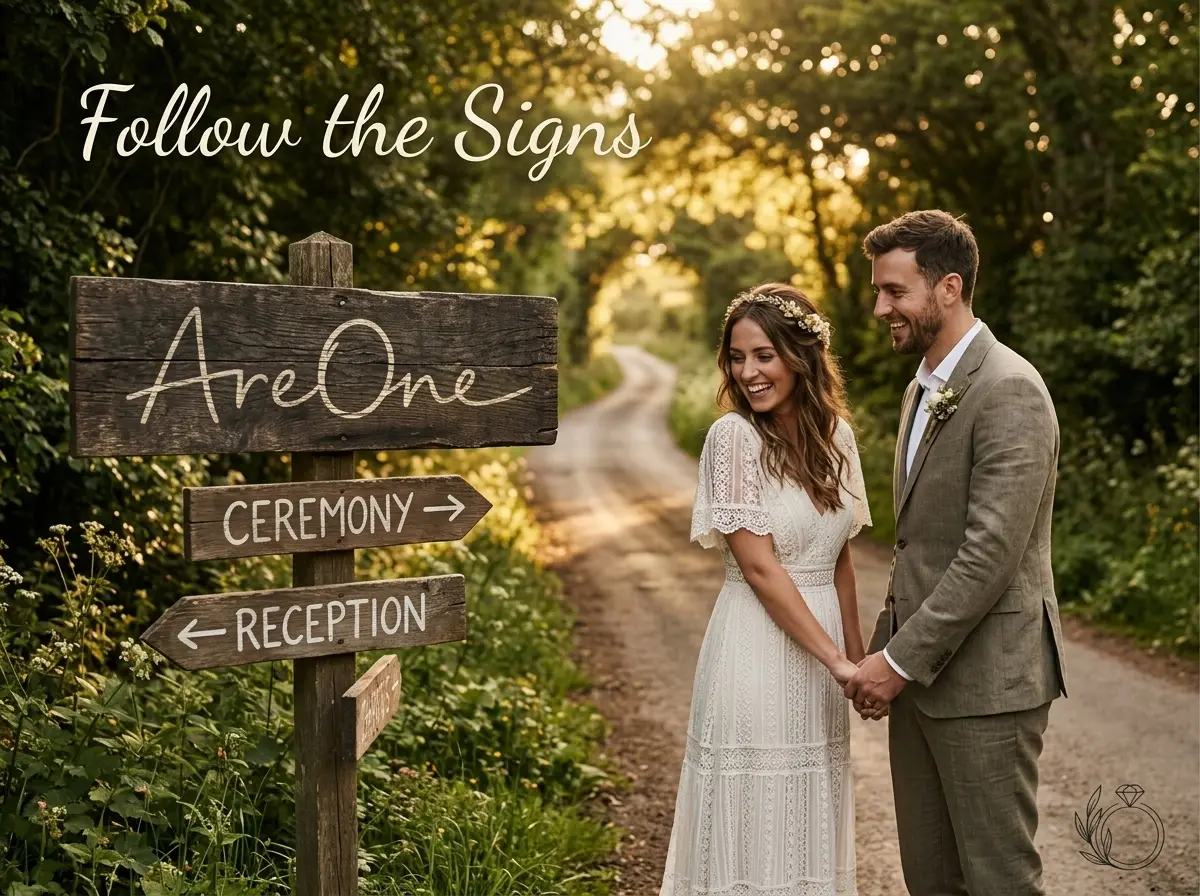
Example 3: Managing Hotel Shuttle Services
Providing a shuttle from the main hotel block is a generous way to ensure everyone drinks responsibly and arrives safely. However, moving a large group of people requires strict communication.
Copy-Paste Example:
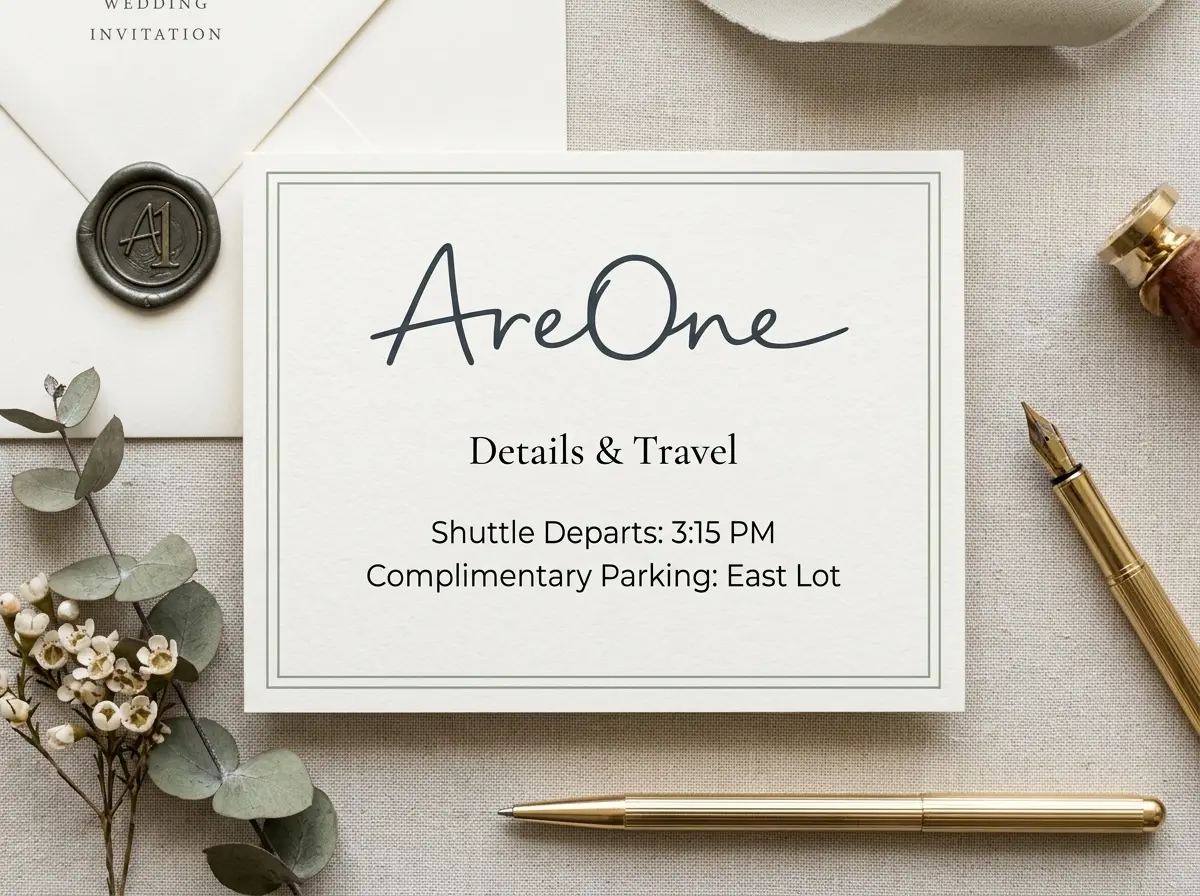
'To ensure everyone can relax and celebrate safely, we have arranged a complimentary shuttle service between the Marriott Courtyard and our venue. The shuttle will depart the hotel lobby promptly at 3:15 PM and 3:45 PM. Please do not be late, as the bus cannot wait! For the return trip, shuttles will run every half hour starting at 9:00 PM, with the final bus departing at midnight. If you prefer to drive yourself, ample self-parking is available at the venue.'
Comprehensive Comparison: Parking Setup vs. Communication Strategy
Different venues demand different communication strategies. Use this table as a quick reference guide when deciding what to put on wedding website pages regarding vehicles.
| Venue Location Setup | Primary Guest Challenge | Recommended Communication Strategy |
|---|---|---|
| City Center / Downtown | Expensive garages, one-way streets, heavy traffic | Specify whether parking is hosted or paid. Provide exact garage addresses and elevator access tips. Warn about rush hour. |
| Rural / Remote Barn | Loss of GPS signal, unpaved or dark dirt roads | Advise guests to download offline maps. List physical landmarks. Note whether the parking area is paved or grass. |
| Public Park / Beach | Shared public parking, long walking distances | Suggest arriving 30-45 minutes early. Mention if permits are needed. Highlight nearby drop-off zones for elderly guests. |
| Suburban Hotel | Finding the correct ballroom entrance | Provide the specific entrance name (e.g., 'South Conference Wing'). Reassure them that the standard self-parking lot is free. |
4 Common Directions and Parking Mistakes Couples Make
Even the most organized planners can stumble when communicating logistics. If you read standard The Knot’s etiquette advice, you will notice that lack of detail is the number one complaint among attendees. Let us break down the most frequent errors so you can easily avoid them.
Mistake 1: Relying Exclusively on Digital Maps
The "just Google it" mentality is dangerous. While technology is wonderful, map applications sometimes route drivers to a venue's back delivery alley rather than the front guest entrance. You must manually verify that the digital pin drops in the correct location. Always supplement digital links with written instructions to ensure total clarity.
Need a faster RSVP flow?
Use AreOne to collect guest replies, meal choices, and reminders in one clean workflow.
Mistake 2: Forgetting Accessibility Details
This is a massive oversight. Elderly relatives, guests using wheelchairs, and parents pushing strollers need to know how to navigate your space safely. Always point out the location of ramps, elevators, and designated accessible parking spaces. If you need guidance on standard access requirements, reviewing ADA accessibility guidelines can provide helpful context on what physical features to highlight.
Mistake 3: Hiding Parking Costs
Nothing frustrates a guest more than arriving in their formal attire only to discover they need forty dollars in cash for a mandatory valet. If parking requires a fee, you must state this plainly on the website. Transparency allows your friends to carpool, take public transit, or visit an ATM beforehand without any unpleasant surprises.
Mistake 4: Not Providing a Day-Of Contact
On the morning of the event, you and your partner will be busy. You cannot answer your phone to help a lost cousin navigate a detour. Assign a trusted groomsman, bridesmaid, or day-of coordinator to handle emergency logistics. List their first name and phone number at the very bottom of the directions page.
The Ultimate Pre-Publish QA Checklist for Travel Details
Before you send your beautiful digital invitation out into the world, you must conduct a thorough quality assurance check. Treating your travel page like a professional software launch ensures a flawless experience for everyone.
Run through this comprehensive checklist. If you can answer yes to every single point, your site is optimized and ready to guide your loved ones safely to the celebration.
- Have you tested the exact address in Google Maps, Apple Maps, and Waze to ensure the pin drops at the correct entrance?
- Did you clearly state whether parking is free, paid, or valet?
- Is there a backup physical description or landmark listed for rural areas with poor cell service?
- Have you explicitly outlined accessibility options, including drop-off zones and ramp locations for elderly guests?
- Are your shuttle departure times listed with absolute precision, including warnings about the bus departing on time?
- Is the language simple, utilizing short paragraphs and active voice?
- Did you view the published page on a mobile phone to ensure the text is easily readable without pinching or zooming?
If you need more help organizing your digital presence from start to finish, our comprehensive wedding website checklist covers everything from typography to photo galleries.
Navigating Safely Toward I Do
Your journey down the aisle begins long before the music starts; it begins the moment your loved ones leave their homes. By perfecting your directions wording wedding page, you provide a brilliant compass that guides your favorite people straight to the celebration, leaving stress in the rearview mirror.
Ready to build a stunning, informative digital hub that your guests will appreciate?
Frequently Asked Questions
Find quick answers to common questions about this article.

No approved comments yet.